
Customer Portal Support Bundles
As an end customer, you can create support bundles to share diagnostic data with your vendor when reporting an issue. Support bundles give your vendor the information they need to troubleshoot problems without requiring direct access to your infrastructure.
Creating a support bundle
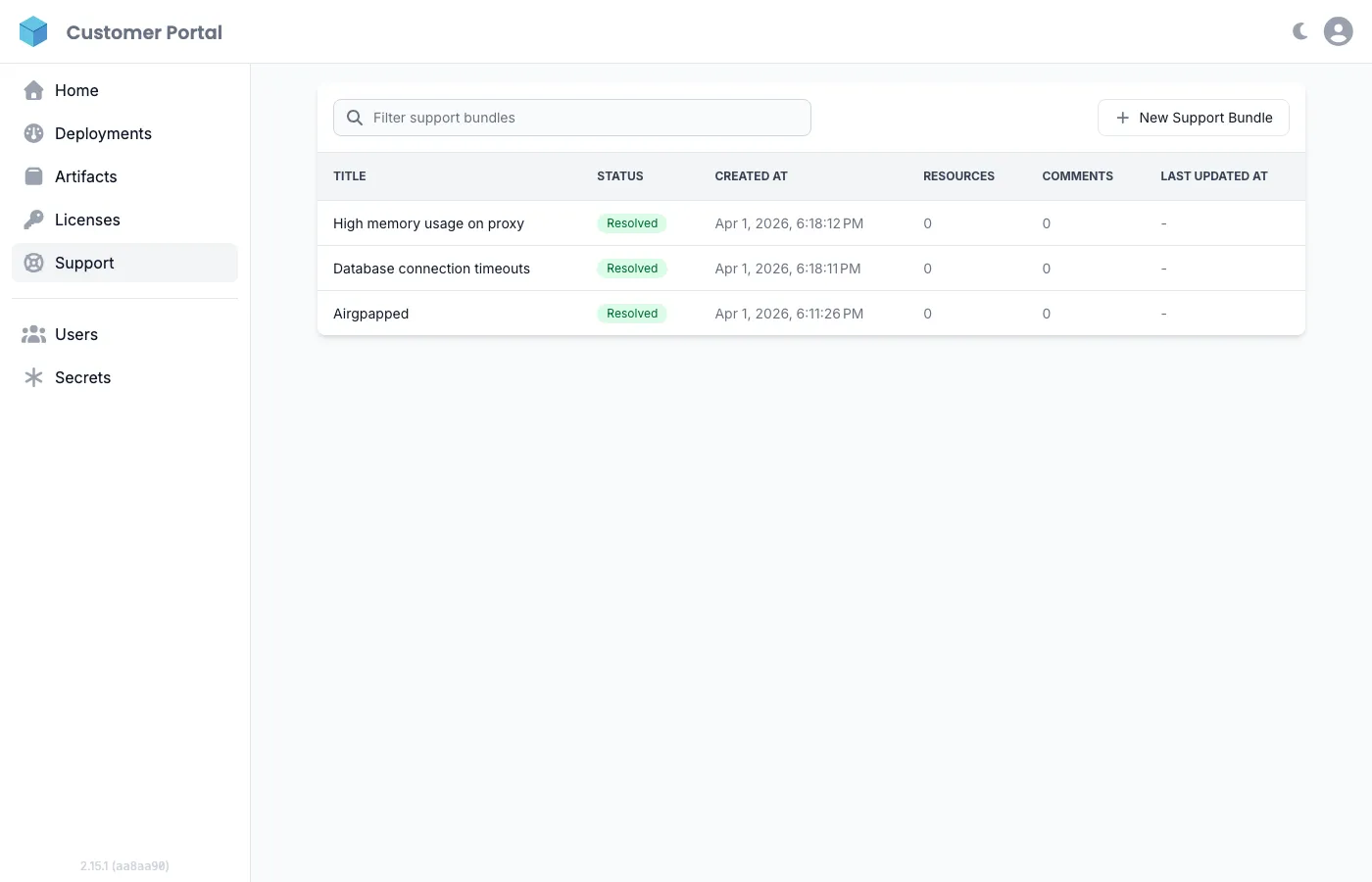
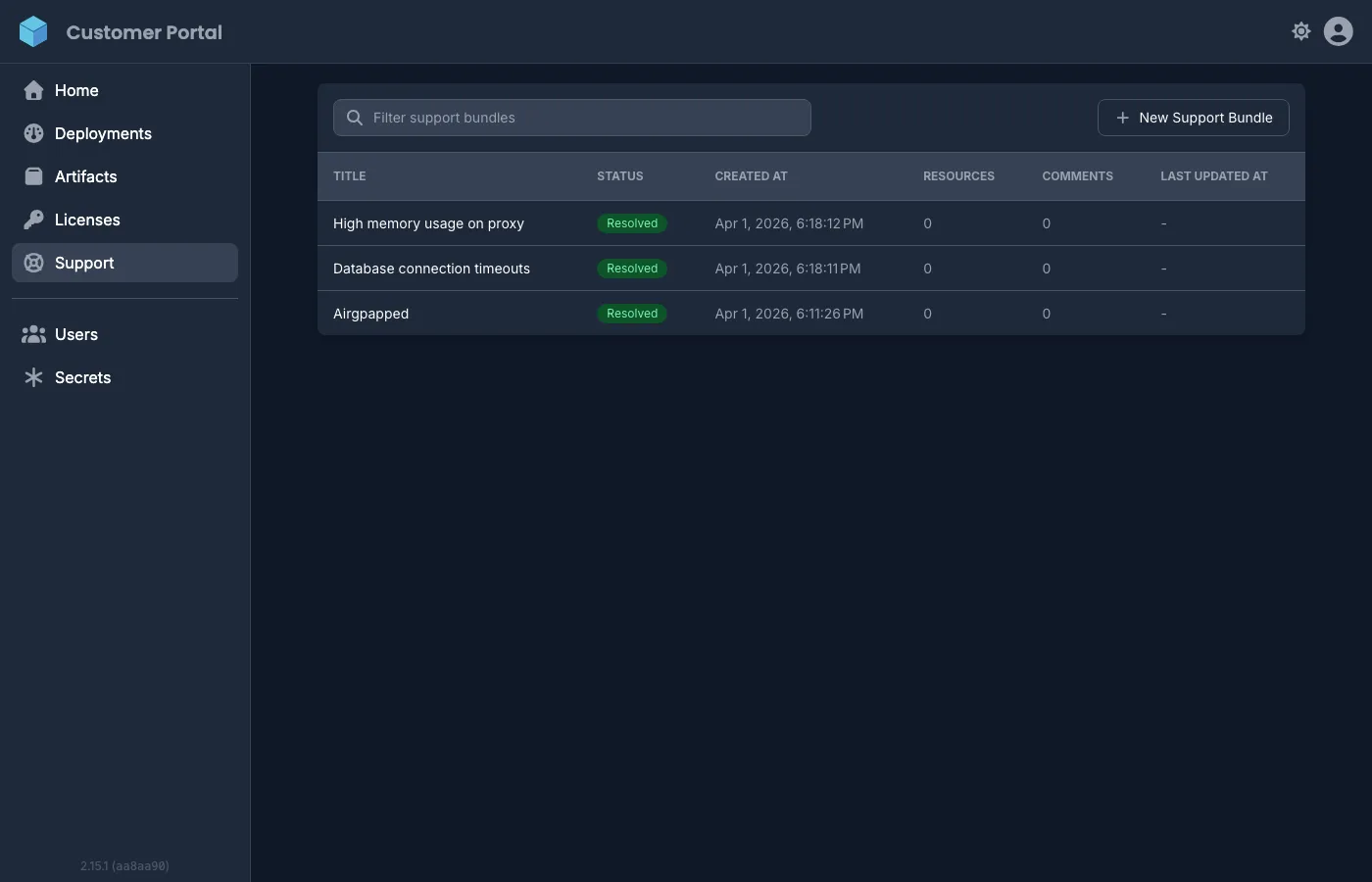
Section titled “Creating a support bundle”- Navigate to Support in the sidebar and click New Support Bundle.
- Enter a Title (required) and an optional Description of the issue.
- Click Create. Distr generates a one-time
curlcommand valid for 24 hours. - Run the command on the affected deployment host. The interactive script will:
- List available Docker containers and prompt for which ones to exclude
- Show environment variable groups that will be collected, with redacted values already masked, and prompt for which groups to exclude
- Show the full source of any diagnostic script your vendor configured and prompt for which ones to exclude, then run the rest and show you their output before uploading it
- Upload the remaining data to Distr
- Nothing runs or is sent until you confirm each section.
Viewing and commenting on bundles
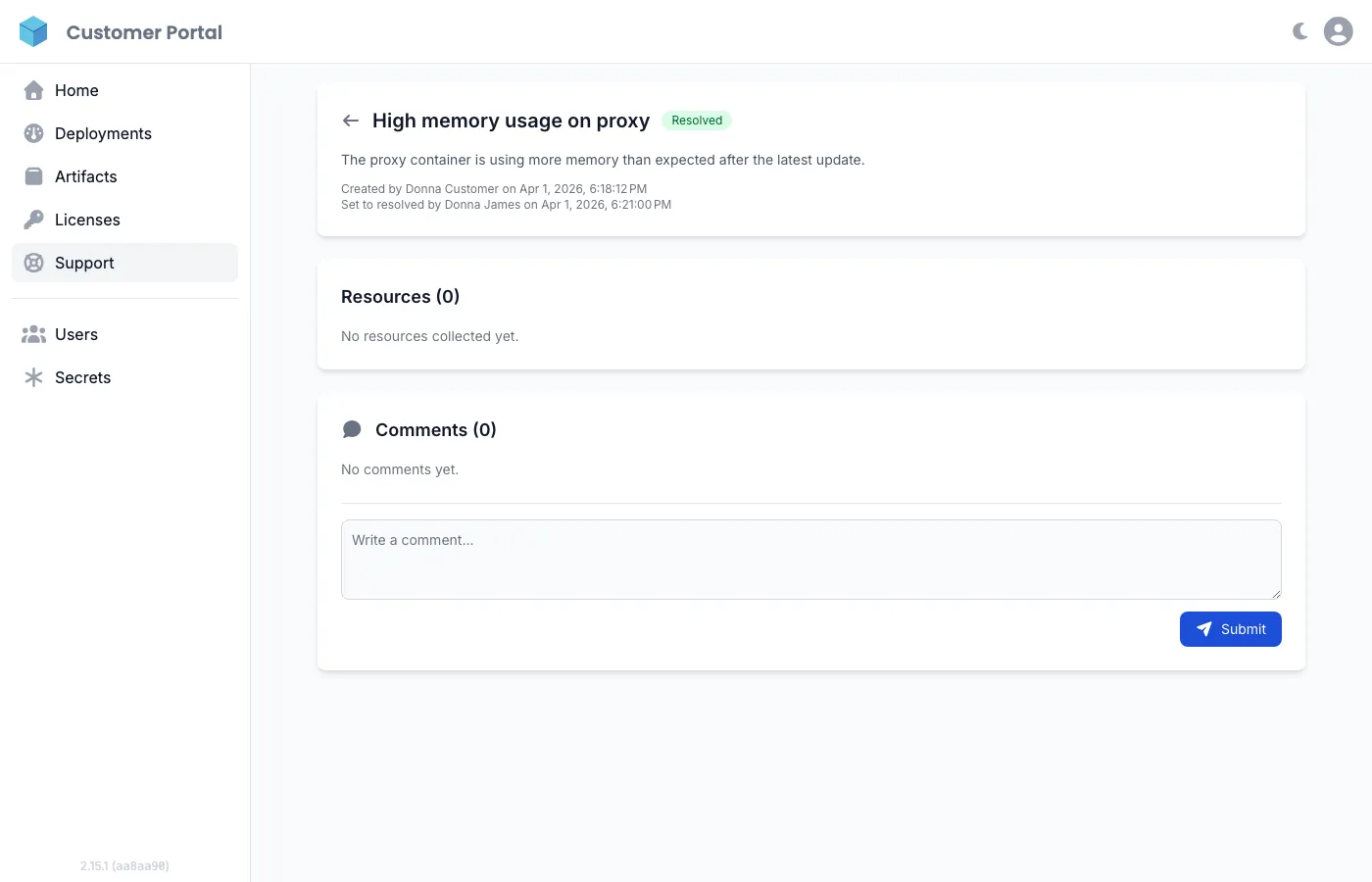
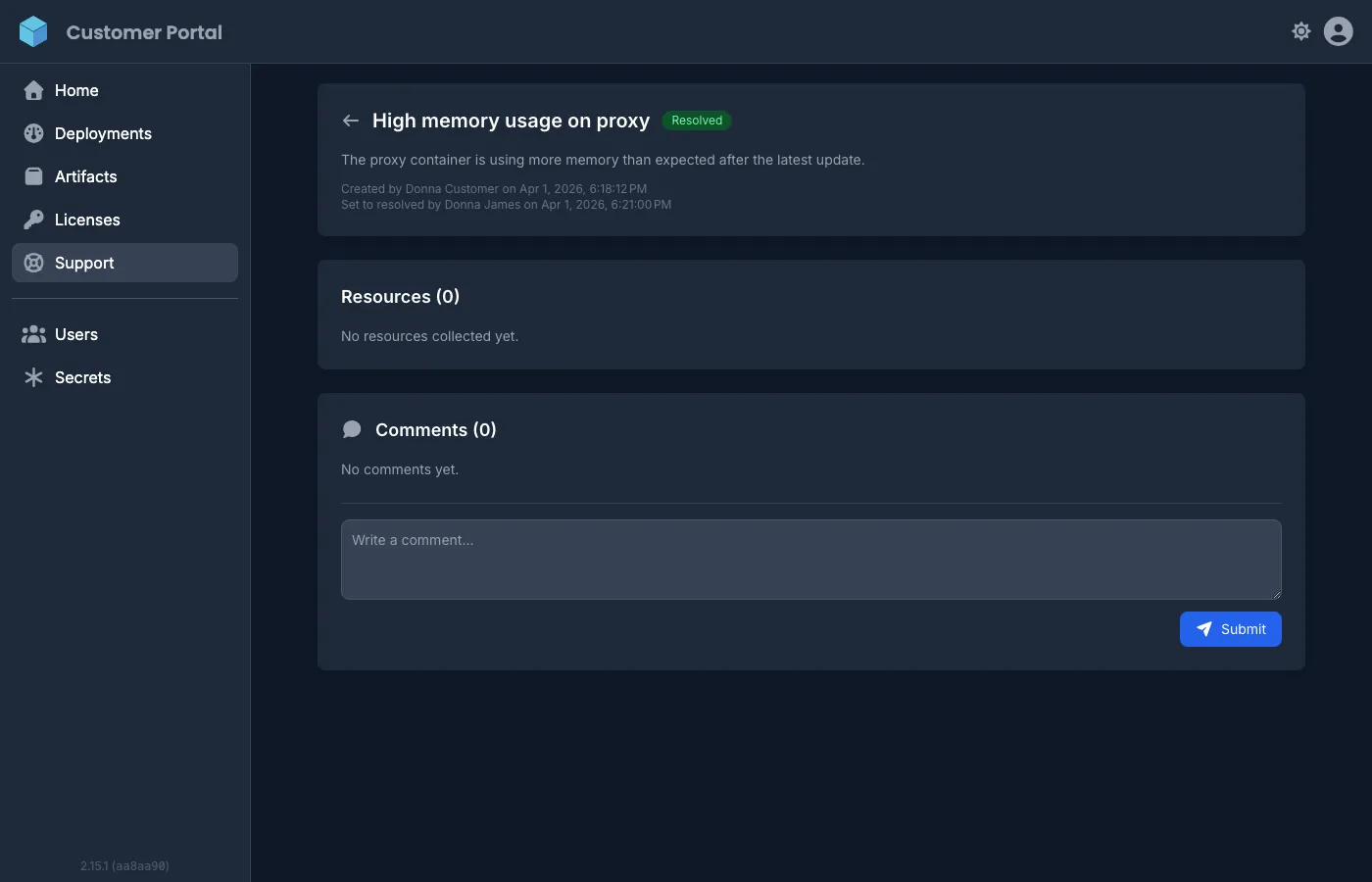
Section titled “Viewing and commenting on bundles”After the collection script runs, the bundle status changes from Initialized to Created. Click on any bundle to open the detail view where you can:
- View all collected resources (container logs, environment variables, script output)
- Exchange comments with your vendor’s support team
- Track the bundle status (Initialized, Created, Resolved, Canceled)
Bundle status lifecycle
Section titled “Bundle status lifecycle”| Status | Meaning |
|---|---|
| Initialized | Bundle created, collection script not yet run. Secret valid for 24 hours. |
| Created | Collection script ran successfully. Resources are attached and ready to review. |
| Resolved | Vendor has marked the bundle as resolved. |
| Canceled | Bundle was canceled before data was collected. |
You can cancel an Initialized bundle if you no longer need it. Once resolved or canceled, a bundle cannot be reopened.
If you have the role Administrator or User, you can delete a bundle in any status, from the list or from its detail view. Deleting is permanent: the bundle, the collected resources and the comments are removed from Distr for you and for your vendor, and cannot be restored.
For the vendor-side setup and configuration, see Support Bundles.