
Artifact Registry
The Distr Artifact Registry is a built-in, OCI-compliant registry designed for AI and software companies to distribute Docker images and Helm Charts, SBOMs and other OCI artifacts to self-managed and BYOC environments. It also includes tag-based access and licensing controls. The registry also provides detailed download analytics that let you monitor which versions of your software are being used by each customer.
Use it to publish versioned artifacts, enforce entitlement rules, and track consumption across your customer base.
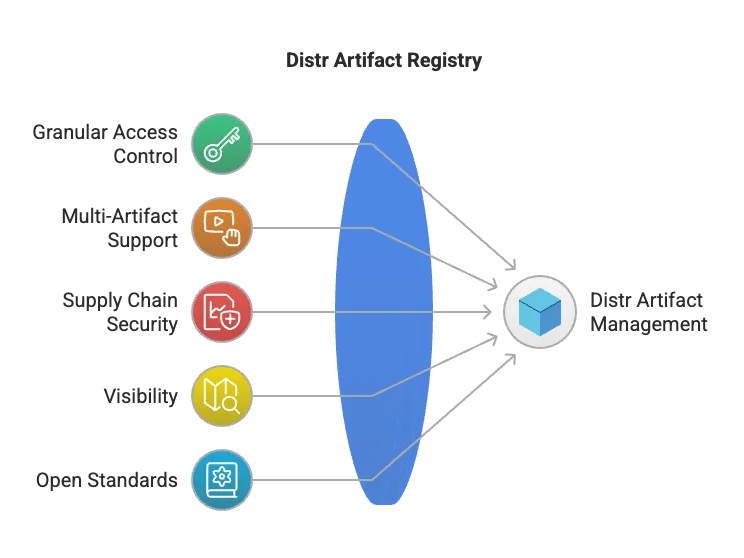
Core capabilities
Section titled “Core capabilities”- Multi-artifact support: Distribute Docker Images, Helm Charts, Terraform Modules, Zarf packages, and any OCI-compliant artifact
- Software supply chain security: Store SBOMs and signatures for image verification
- Visibility: Get insights into which customers are using which artifacts and versions
- Open standards: Built on the OCI specification and compatible with existing tooling (Docker, ORAS, Helm, etc.)
- Built-in licensing (beta): Bind artifact versions to entitlements for fine-grained customer access control
Getting started
Section titled “Getting started”Want a quick overview of how it works? Watch this short walkthrough:
Artifact Registry UI
Section titled “Artifact Registry UI”Artifact List
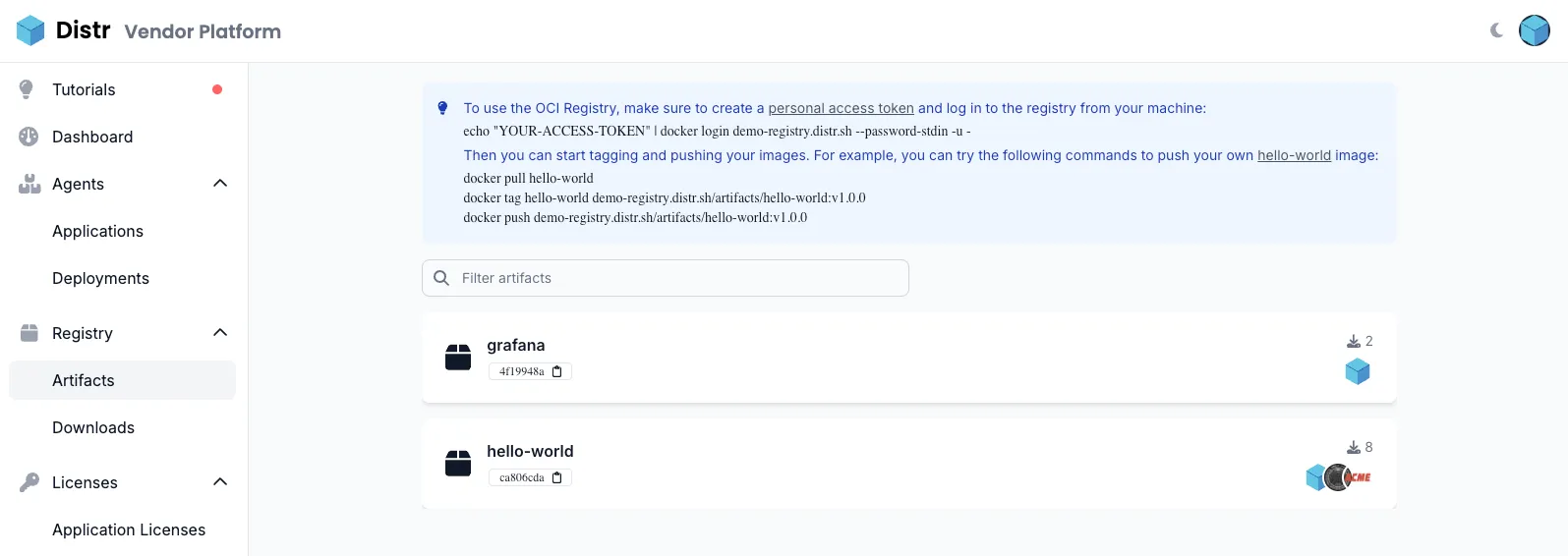
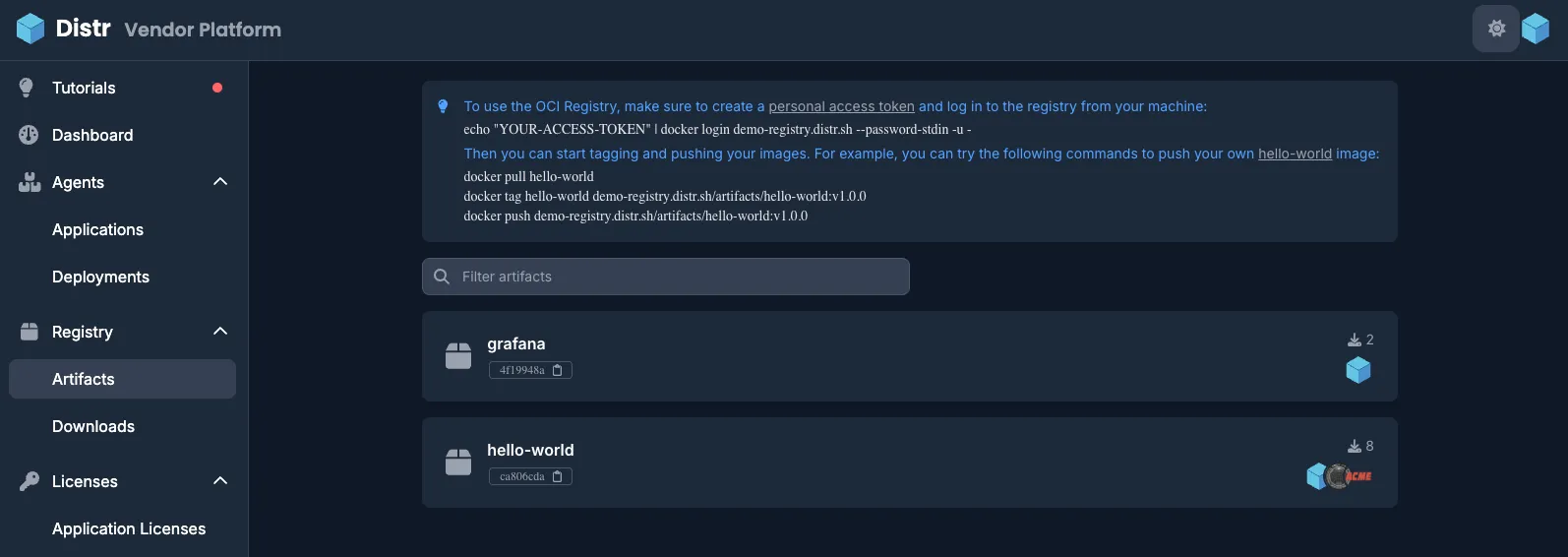
Section titled “Artifact List”The Artifact List page lets you view all artifacts stored in your registry. It provides an overview of pull counts across all tags, along with insights into which users and customers are using each artifact.
Artifact Details
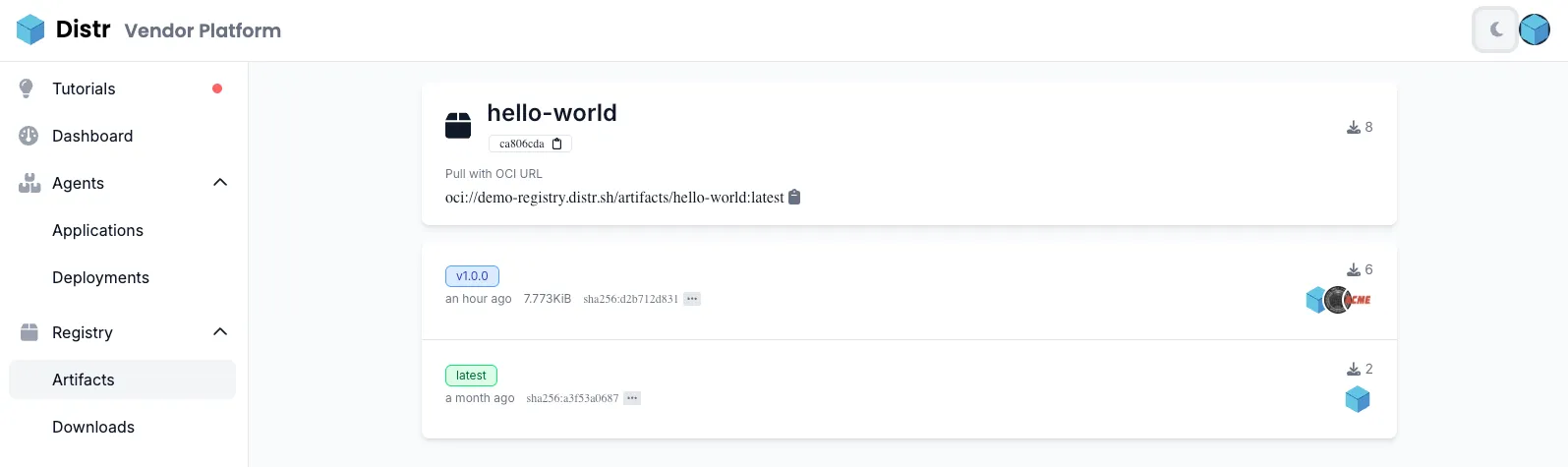
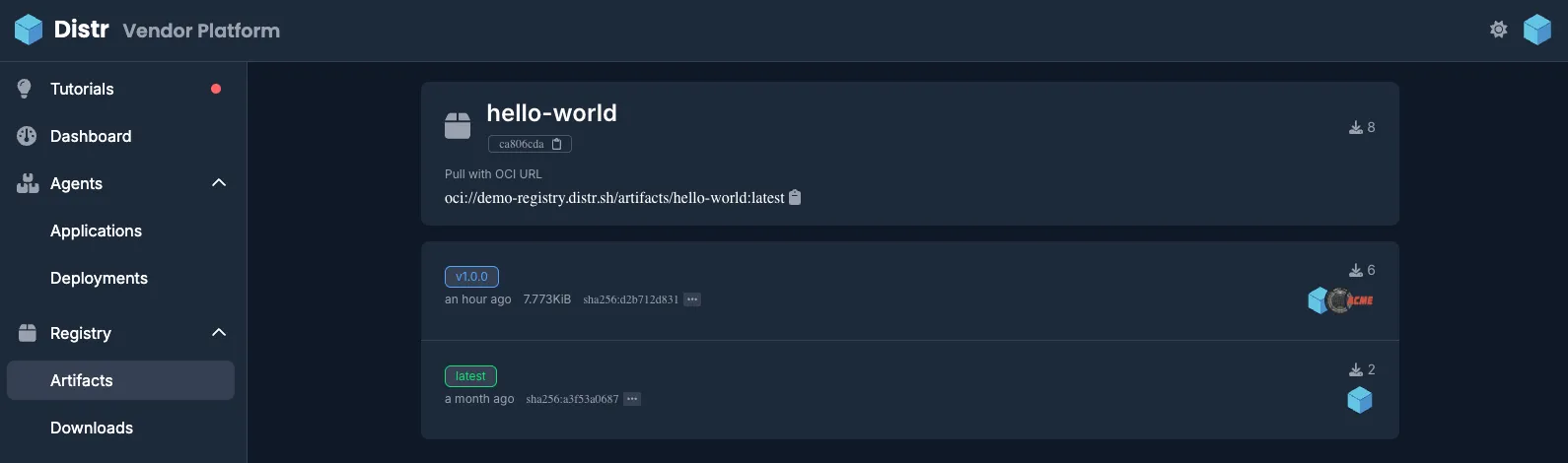
Section titled “Artifact Details”The artifact details page gives you a complete view of all tags associated with a specific artifact. You can see the OCI URL, upload date, and artifact size, along with pull counts for each tag.
Public Artifacts
Section titled “Public Artifacts”A single artifact can be made public, so anyone who knows its name can pull it without credentials. This is meant for what you want to hand out freely, an installer image, a CLI, an agent chart or a public demo, while everything else in the registry stays private.
Open the artifact details page and pick Make public from the menu in the top right. The artifact then carries a Public badge everywhere it is listed, and Make private in the same menu requires credentials again. Only organization admins can change it.
Pulling without credentials
Section titled “Pulling without credentials”ORAS and anything speaking the HTTP API directly pull a public artifact with no setup at all:
oras pull registry.example.com/acme/my-artifact:1.0.0helm pull oci://registry.example.com/acme/my-chart --version 1.0.0curl -sSL https://registry.example.com/v2/acme/my-image/manifests/1.0.0 \ -H 'Accept: application/vnd.oci.image.manifest.v1+json'Pulling with Docker
Section titled “Pulling with Docker”Pulling a public artifact with Docker requires the
containerd image store. It does not work on the
legacy overlay2 storage driver, which cannot pull a public artifact without credentials at all.
The reason is that the Docker CLI asks the registry whether authentication is needed before it pulls
anything, and Distr has to answer yes, because a client holding a PAT sends it only after it has seen
that answer. A daemon on overlay2 reads that answer as “log in first” and gives up, while the
containerd image store never asks and pulls the artifact like any other:
docker pull registry.example.com/acme/my-image:1.0.0The containerd image store is the default for a fresh installation of Docker Engine 29 and later and
for Docker Desktop, while a daemon upgraded from an earlier version keeps overlay2 until you enable
it. Check which one is in use with docker info: the storage driver reads overlayfs with the
containerd image store and overlay2 without it. Podman and Skopeo ask the same question as Docker
does.
Anonymous pulls are rate limited per client IP address, considerably more strictly than the pull
limits of the large public registries. A client that exceeds them gets 401 Unauthorized with an
authentication challenge and a Retry-After header. Authenticated pulls are never rate limited, so
a client that holds a PAT answers the challenge with it and pulls on, and a customer who runs into
the limit only has to log in. The answer is a challenge rather than 429 Too Many Requests because
OCI clients send their credentials only once they have seen a 401, so a 429 would lock out a
customer whose credentials are sitting unused in the client’s config file. Self-hosted instances can
change the limits, see the REGISTRY_ANONYMOUS_*
variables.
Every anonymous pull is recorded in the download analytics like any other pull, marked as Anonymous since there is no user or customer behind it.
Global Dashboard Artifact View
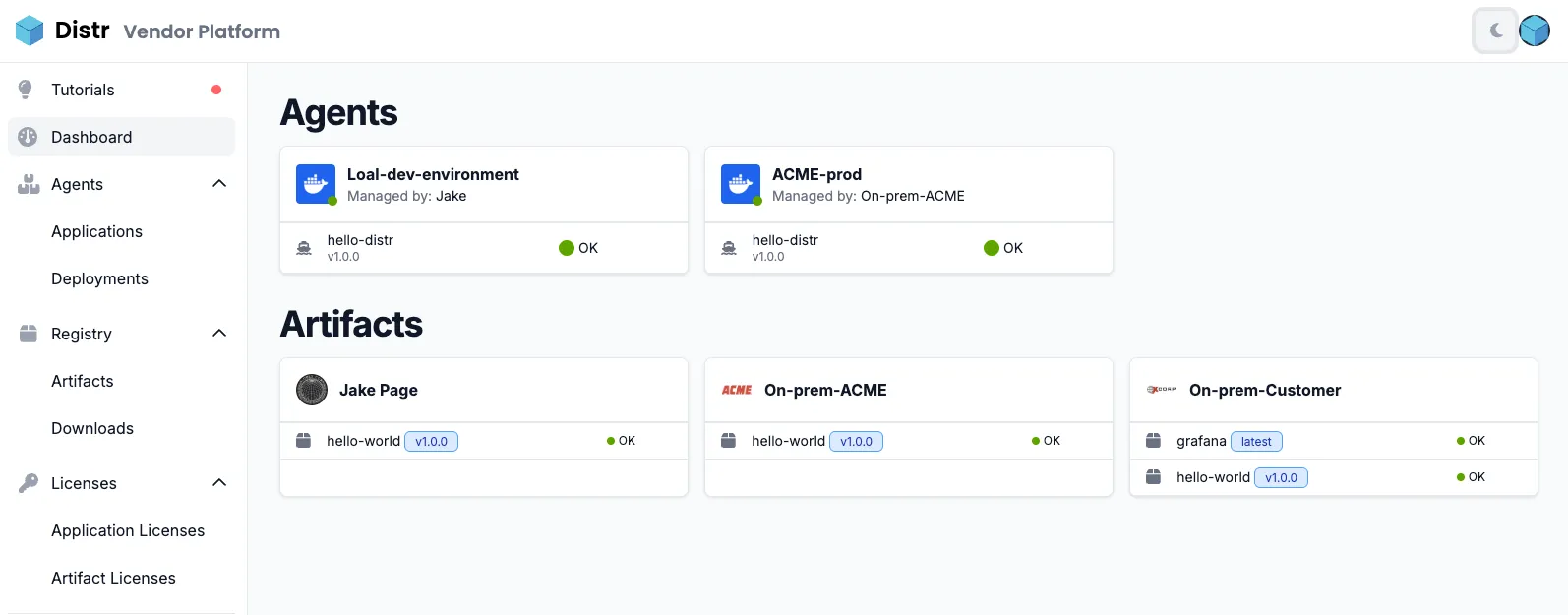
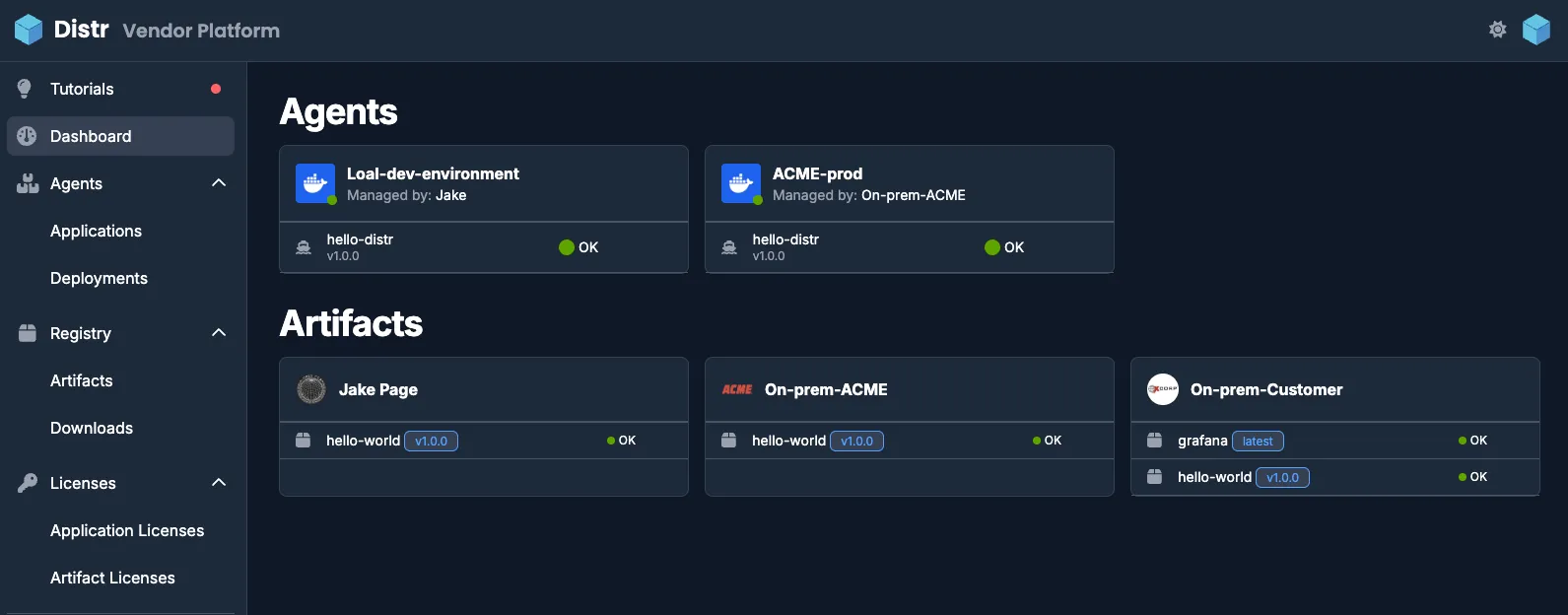
Section titled “Global Dashboard Artifact View”The main Distr dashboard also provides a global view of which artifacts each end customer has consumed, including version details and a health status.
Artifact Deletion
Section titled “Artifact Deletion”The Distr registry protects artifacts and tags that are referenced in entitlements, so customers keep access to their licensed software.
Deleting Artifact Tags
Section titled “Deleting Artifact Tags”You can delete individual tags from an artifact through the API and UI. However, the system enforces several validation rules to prevent breaking customer access.
When Tag Deletion is Allowed
Section titled “When Tag Deletion is Allowed”Tag deletion succeeds when all of these conditions are met:
- The tag exists, and at least one other tag remains for the artifact
- No artifact entitlement grants all versions of the artifact
- If an entitlement grants exactly the version the tag points at, another tag must point at that version as well
What Deleting a Tag Removes
Section titled “What Deleting a Tag Removes”Deleting a tag also deletes the version the tag pointed at, so that its blobs can be reclaimed. For a multi-arch image, this extends to the per-architecture manifests the index referenced. A version is only deleted when nothing references it any more, that is when no other tag points at it and no other version references it (a per-architecture manifest shared with another index is kept).
An entitlement that grants a version deleted this way loses that version, and keeps every other artifact and version it grants.
Once a version is deleted, it can no longer be pulled by its digest. The blobs themselves are removed by the blob cleanup job, which a self-hosted instance has to schedule.
Example: Tag Deletion Scenarios
Section titled “Example: Tag Deletion Scenarios”Scenario 1: Safe deletion
Artifact: myapp Tags: v1.0.0, v1.0.1, latest (all point to different digests) License: References sha256:abc123 (v1.0.0’s digest)
Action: Delete tag “v1.0.1” Result: Success - v1.0.1 is not licensed and not the last tag
Scenario 2: Blocked deletion - licensed digest
Artifact: myapp Tags: v1.0.0 (points to sha256:abc123) License: References sha256:abc123
Action: Delete tag “v1.0.0” Result: Blocked (400) - Cannot delete last non-SHA tag for licensed digest
Scenario 3: Blocked deletion - last tag
Artifact: myapp Tags: v1.0.0 (only tag remaining) No licenses
Action: Delete tag “v1.0.0” Result: Blocked (409) - At least one tag must remain
Deleting Artifacts
Section titled “Deleting Artifacts”You can delete entire artifacts from your registry, which will cascade to all associated versions, tags and historical download data.
When Artifact Deletion is Allowed
Section titled “When Artifact Deletion is Allowed”Artifacts can be deleted when they are not referenced in any entitlement, including an expired one.
Best Practices
Section titled “Best Practices”- Check entitlements first: Before deleting artifacts or tags, verify they are not referenced in customer entitlements
- Use caution with tags: Deleting tags can affect customer access if not done carefully
- Monitor usage: Review the Downloads section to understand which artifacts and versions are actively used
- Keep at least one tag: The system requires at least one non-SHA tag per artifact to maintain discoverability