
Support Bundles
Support Bundles give your customers a structured way to share diagnostic data when they report an issue. A customer initializes a bundle, runs a single curl command, and the collected data appears in your Vendor Portal. For a Docker deployment the command runs on the deployment host, for a Kubernetes deployment on a machine with access to the cluster. Nothing is uploaded without the customer’s explicit approval.
How it works
Section titled “How it works”- The customer creates a support request from the Customer Portal, choosing Docker or Kubernetes and giving it a title and optional description.
- Distr generates a one-time
curlcommand that collects a support bundle for that request. The command is valid for 24 hours. - The customer runs the command. An interactive script shows the customer what will be collected and lets them exclude parts of it before anything runs or is sent. See Docker bundles and Kubernetes bundles for what each collects.
- Once the script finishes, the collected resources are attached to the request in the Vendor Portal.
- You and the customer can exchange comments on the request. When the issue is resolved, you mark it as resolved.
Every collected resource is limited to 1 MiB by default, and container logs additionally to the most recent 1000 lines per container. Container logs keep the most recent output, script output the first, and a truncated resource says so in its content. On a self-hosted instance, both limits can be changed with SUPPORT_BUNDLE_RESOURCE_MAX_BYTES and SUPPORT_BUNDLE_LOG_TAIL_LINES.
Docker bundles
Section titled “Docker bundles”The customer runs the command on the affected host. The script shows the available Docker containers, the environment variable groups (with redacted values already masked) and the source of every custom script you configured. The customer can exclude any containers, env var groups or scripts before anything runs or is sent.
Kubernetes bundles
Section titled “Kubernetes bundles”The customer runs the command on a machine with access to the cluster, typically the one they run kubectl from. Nothing is installed in the cluster. The machine needs Linux or macOS on amd64 or arm64 with curl, tar, base64 and sha256sum or shasum.
The script downloads the support collector of your Distr version from the Distr releases on GitHub and checks it against the checksums of the release before running it, so the machine needs access to github.com. The collector then:
- Asks for the kubectl context to collect from when the kubeconfig has more than one, with the current context as the default.
- Lists the namespaces of the cluster together with the Helm releases in them and asks which namespaces to collect, with the namespace of the context as the default.
- Asks for every part of the bundle whether to collect it:
- the cluster information: the Kubernetes version, nodes, namespaces, custom resource definitions, storage and ingress classes, admission webhooks and the persistent volumes of the selected namespaces
- all resources of the selected namespaces, custom resources included
- the Helm releases with their chart and app version, status and history, and separately the values they were installed with
- the events of the selected namespaces
- the last 1000 lines of every container log, including the previous run of restarted containers
- Writes the files to a temporary directory and lets the customer look through them and edit or delete any of them before they confirm the upload.
After the upload, the script runs the custom scripts of the Kubernetes tab, which the customer can exclude just like on Docker. Anything the cluster refuses or fails to return is recorded in collection-errors.txt in the bundle, and the collection continues. summary.yaml records the context, the namespaces and the parts the customer selected.
What the resources contain
Section titled “What the resources contain”The collector stores every object as YAML as the cluster returns it, without its managed fields and its kubectl.kubernetes.io/last-applied-configuration annotation. That annotation is a full copy of the object, so it would carry ConfigMap and Secret values past the settings below. Endpoints, controller revisions, leases, the ReplicaSets of former rollouts and the Secrets Helm stores its releases in are left out, since they explain nothing that the rest of the bundle does not.
Whether ConfigMap and Secret values are collected depends on the ConfigMap and Secret settings. Values that are not collected show up as [REDACTED, <size> bytes], so the keys stay visible. Service account and bootstrap tokens are always redacted.
The environment variables in pod specs are collected as they are specified, since a pod spec only holds what the deployment set. The environment variable list applies to Docker only, and the redaction below masks the values of variables whose name suggests a credential.
Permissions
Section titled “Permissions”The support collector only reads, with the credentials of the selected context. It needs list on the resources of the selected namespaces, get on pods/log and list on Secrets to find the Helm releases. The cluster information needs read access to the cluster-scoped resources listed above. A customer who can read their namespaces only still gets a useful bundle, and what is missing is recorded in collection-errors.txt. The built-in view ClusterRole does not grant access to Secrets, so it leaves out the Secrets and the Helm releases.
Options
Section titled “Options”The customer can pass arguments to the support collector by appending -s -- and the arguments to the sh at the end of the command:
curl -fsSL '<collect script URL>' | sh -s -- --context prod| Option | Effect |
|---|---|
--context <name> | Collect from this context without asking. |
--kubeconfig <path> | Read this kubeconfig instead of the default one. |
--include-configmap-data=true|false | Collect ConfigMap values or not, overriding the settings of the vendor. |
--include-secret-data=true|false | Collect Secret values or not, overriding the settings of the vendor. |
Redaction
Section titled “Redaction”Distr redacts every resource before storing it, regardless of how the environment variables are configured. It masks with ********:
- the values of the customer’s secrets
- credentials in URLs, such as
postgres://user:password@host - values of keys ending in
password,secret,token,api_key,access_key,private_keyorcredentials, as inDB_PASSWORD=...or"client_secret": "..." PasswordandPwdfields of connection strings- values of Kubernetes environment variables whose name contains one of these words
Authorizationheaders and bearer tokens- well-known token formats: AWS access key IDs, GitHub, GitLab, Slack, Stripe and Google API keys, JWTs and Distr access tokens
- PEM private keys
The same redaction applies to deployment logs and controller logs. Redaction is based on patterns, so treat it as a safety net rather than a guarantee, and mark sensitive environment variables as Redacted as well.
Vendor setup
Section titled “Vendor setup”In the Vendor Portal sidebar, navigate to Support, then click Settings. The settings have a Docker and a Kubernetes tab, one for each kind of bundle.
Configure environment variables
Section titled “Configure environment variables”On the Docker tab, you can configure which environment variables should be collected from the host and containers. The script collects only the variables on this list. Variables marked as Redacted have their values replaced with [REDACTED] in the collected data. The customer sees the redacted placeholder before confirming the upload.
If no environment variables are configured, the script only collects container logs from running containers.
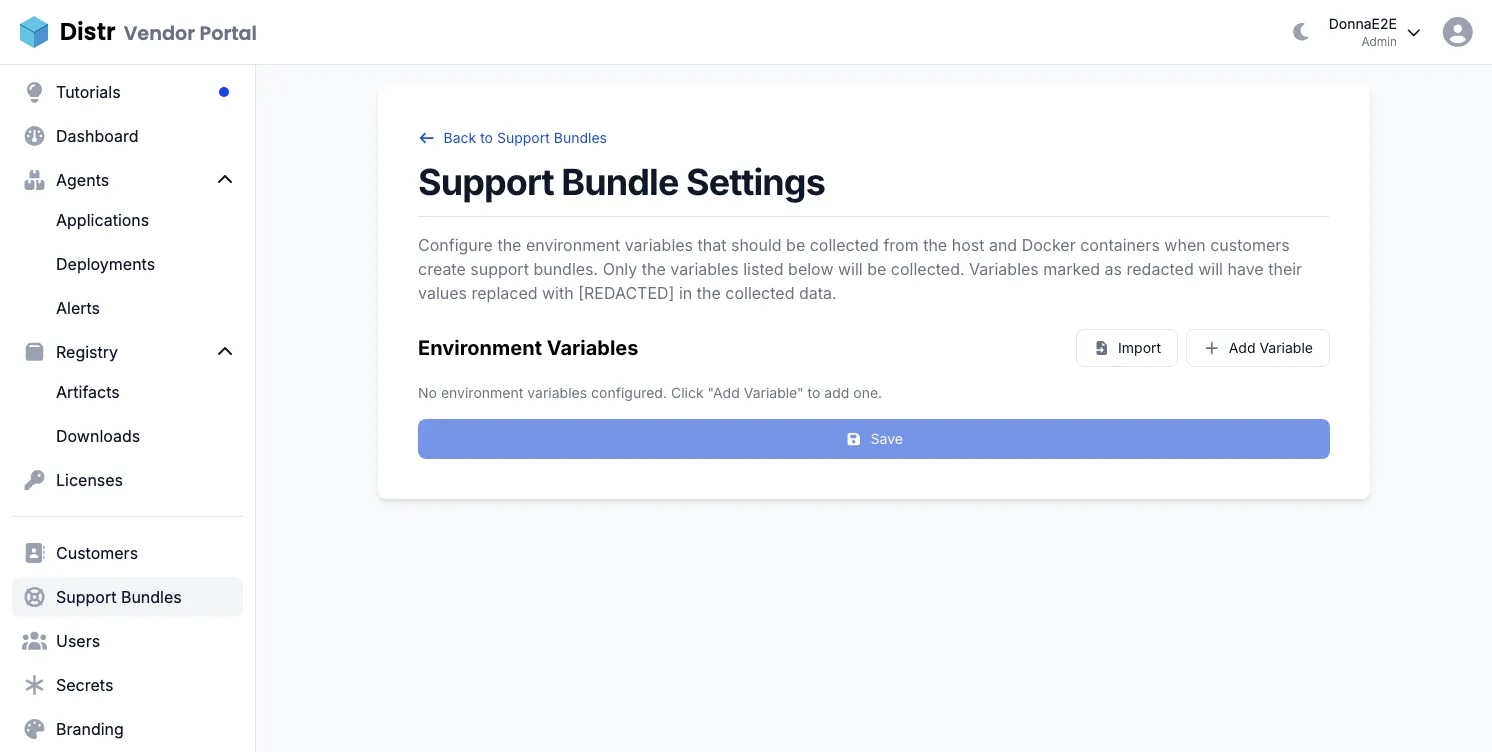
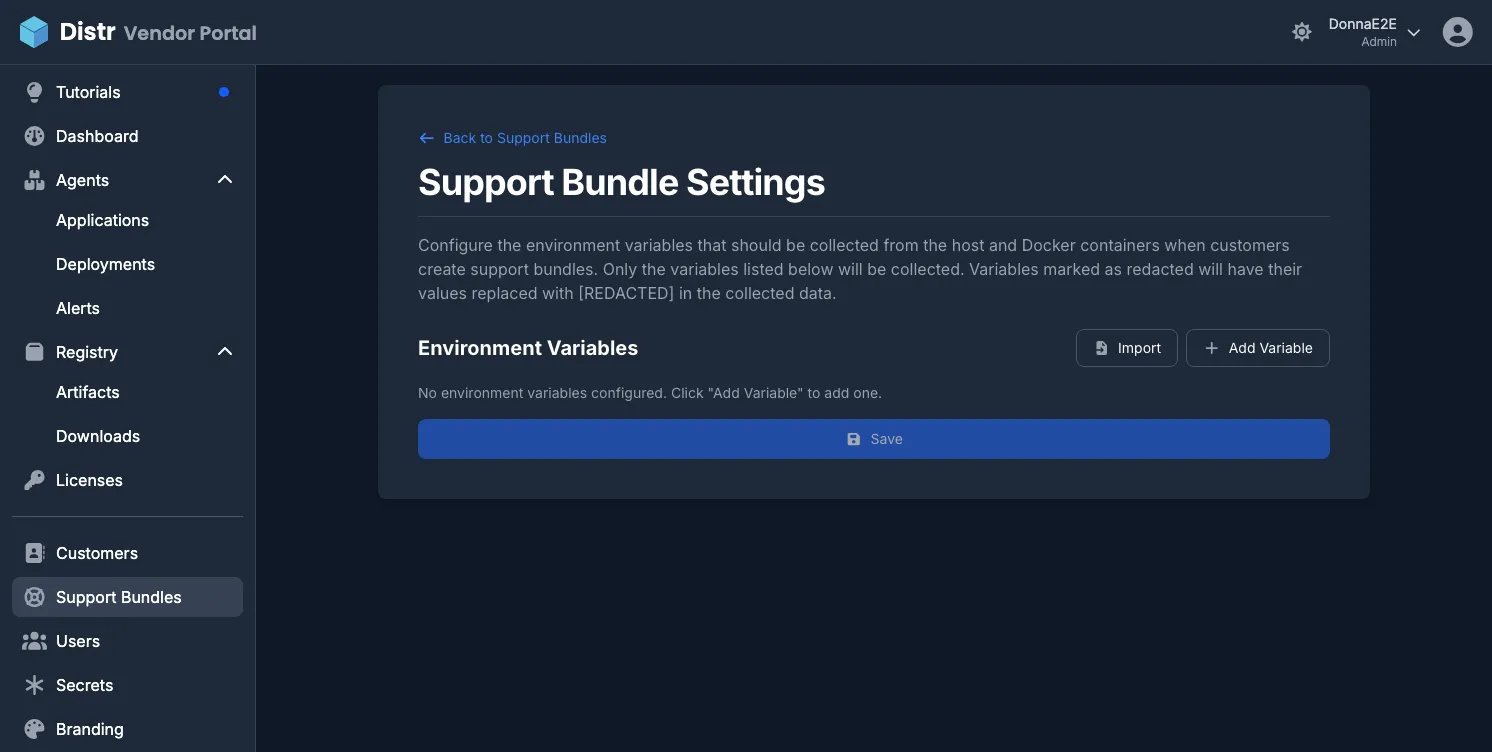
To add variables manually, click Add Variable and enter the variable name. To import from an existing file, click Import and paste the contents of a .env or config file. Lines in the format KEY=value or KEY: value are accepted; only the variable name is imported, not the value. Lines starting with # are ignored.
Toggle Redacted for any variable whose value should not appear in collected bundles.
Click Save when done.
Configure ConfigMap and Secret values
Section titled “Configure ConfigMap and Secret values”On the Kubernetes tab, choose whether Kubernetes bundles include the values of ConfigMaps and Secrets. ConfigMap values are collected by default and Secret values are not. Without them, a bundle still lists the ConfigMaps and Secrets with their keys, but shows each value as [REDACTED, <size> bytes]. Collected Secret values are uploaded decoded in plain text, so only turn them on when you need them.
The support collector tells the customer which values it collects before anything is collected, and the customer can override your choice with the options --include-configmap-data and --include-secret-data. Click Save when done.
Configure custom scripts
Section titled “Configure custom scripts”Environment variables, logs and resources do not always answer the question you need answered. Each tab of the Settings page has its own custom scripts. What a script writes to standard output is attached to the bundle as a resource named after the script, once the customer has seen its first 30 lines and confirmed the upload.
Docker scripts run on the customer’s host during collection. Kubernetes scripts run on the customer’s machine after the support collector. While they run, KUBECONFIG points to a kubeconfig that holds only the context and namespace the collector used, so kubectl and helm reach the same cluster and namespace without any arguments. Check that kubectl or helm is installed before relying on it.
Click Add Script and give it a name, an optional description and the script body. The name is what the resource is called in the bundle and in the downloaded archive, so pick something you will recognise later, such as database-status. The description is shown to the customer next to the script.
A script runs with the interpreter named in its shebang, so #!/usr/bin/env bash gets you Bash. Without a shebang it runs with sh. Keep in mind that you are writing for the customer’s machine, not yours: check that a command exists before relying on it, and do not assume Bash is installed.
Use the Enabled toggle to park a script without deleting it. Disabled scripts are never sent to a customer.
If a script fails or writes to standard error, its exit code and standard error are appended to the collected output so you can tell an empty result apart from a broken script.
A script is stopped after one minute so that a command waiting for something that never happens cannot leave the customer with a collection that never finishes. The collected output says so when a script was stopped, and self-hosted instances can change the limit with SUPPORT_BUNDLE_SCRIPT_TIMEOUT. Write scripts that finish quickly and never wait for input.
Enable the feature for a customer
Section titled “Enable the feature for a customer”The Support feature must be enabled per customer organization before customers can create support requests. See Enabling features per customer for how to do this.
Reviewing support requests
Section titled “Reviewing support requests”In the Vendor Portal, navigate to Support to see all support requests across all customers.
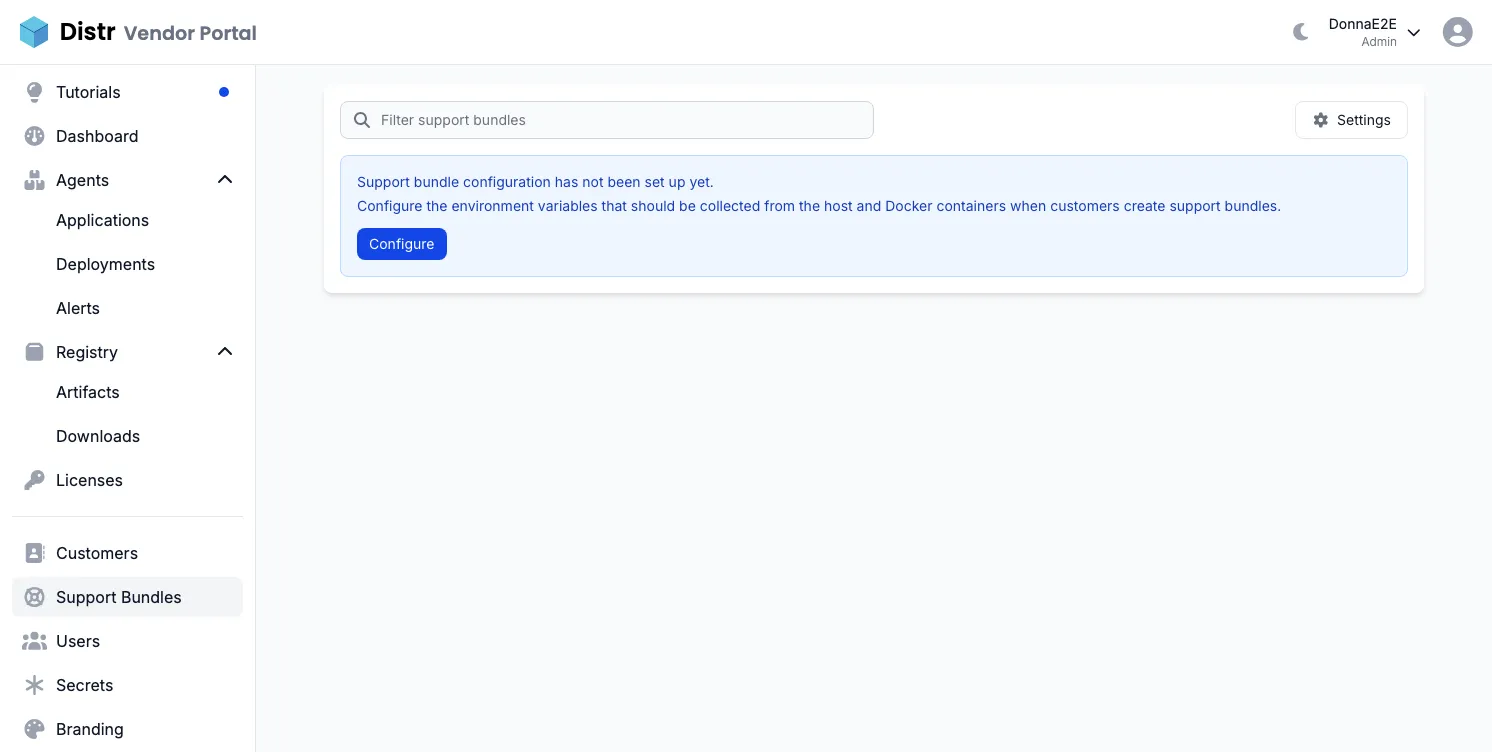
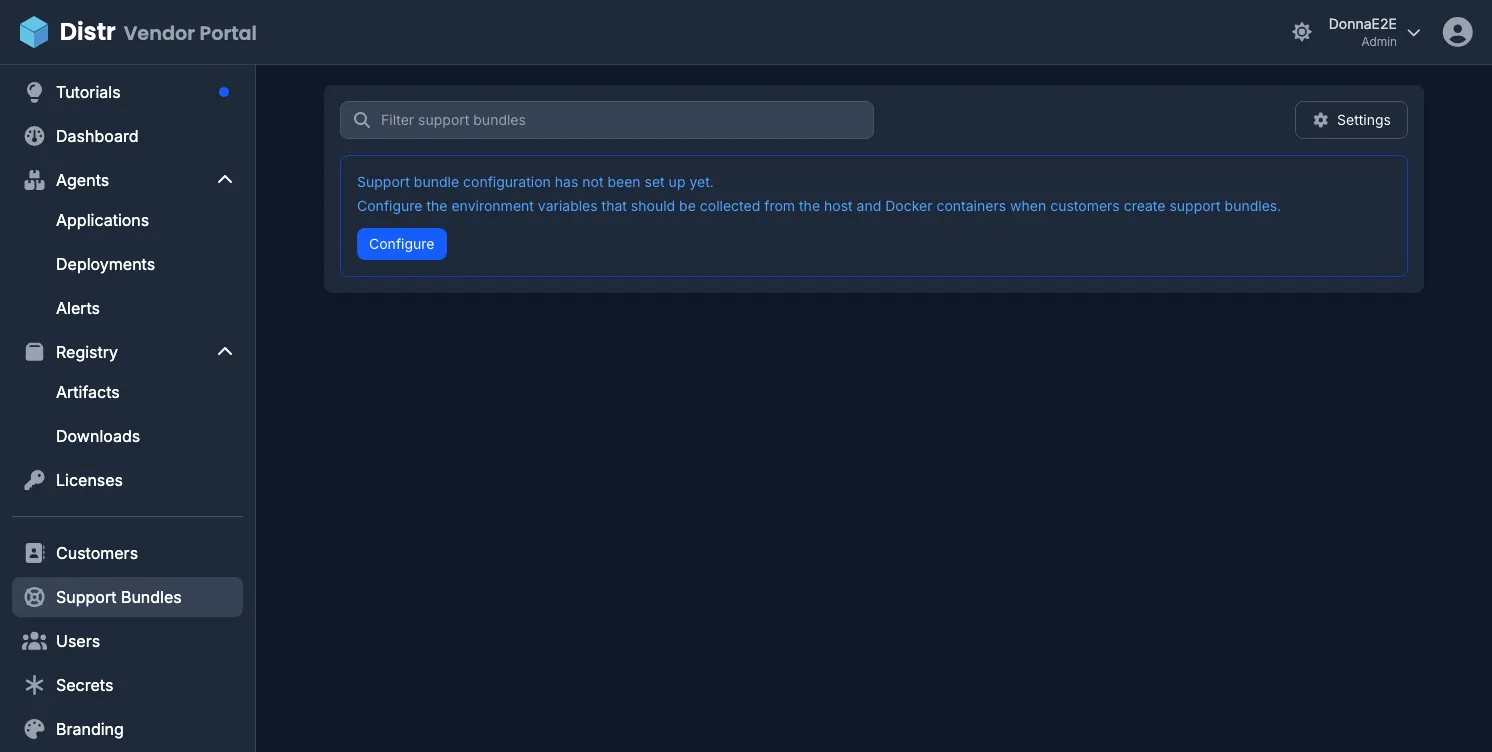
The list shows each request’s title, type, customer, status, resource count, comment count and when it was last updated. Click any request to open the detail view.
In the detail view:
- Collected resources are listed under Resources as a folder tree. Click a folder to open it and a file to read its content.
- Comments appear below the resources. Both vendor and customer users can leave comments.
- Click Mark as Resolved to close the request once the issue is addressed.
- Click Delete to remove the request and its support bundle. The list has a delete button on every row as well.
When a bundle is not enough
Section titled “When a bundle is not enough”Some issues only show up while you look at the running containers, and Kubernetes Support Bundles are only available on request. For those cases, and with the customer’s consent, you can deploy a tunnel next to your application and debug the installation yourself. See Remote Access for Debugging.
Customer flow
Section titled “Customer flow”When the Support feature is enabled for a customer organization, customers see Support in their Customer Portal sidebar. For the full customer-side guide, see Customer Portal Support Bundles.
Support request status lifecycle
Section titled “Support request status lifecycle”| Status | Meaning |
|---|---|
| Initialized | Request created, collection script not yet run. Secret valid for 24 hours. |
| Created | Collection script ran successfully. Resources are attached and ready to review. |
| Resolved | Vendor has marked the request as resolved. |
| Canceled | Request was canceled before data was collected. |
Either party can cancel an Initialized request. Only vendors can resolve a request. Once resolved or canceled, a request cannot be reopened.
Vendor, partner and customer users with the role Administrator or User can delete a request in any status. Deleting is permanent: the request, its collected resources and its comments are removed from Distr and cannot be restored.