
Customer Portal Secrets
As an end customer, you can create and manage secrets for your organization directly from the Customer Portal. Secrets store sensitive configuration values such as API keys, passwords, and database credentials that your deployments can reference using template syntax.
Managing secrets
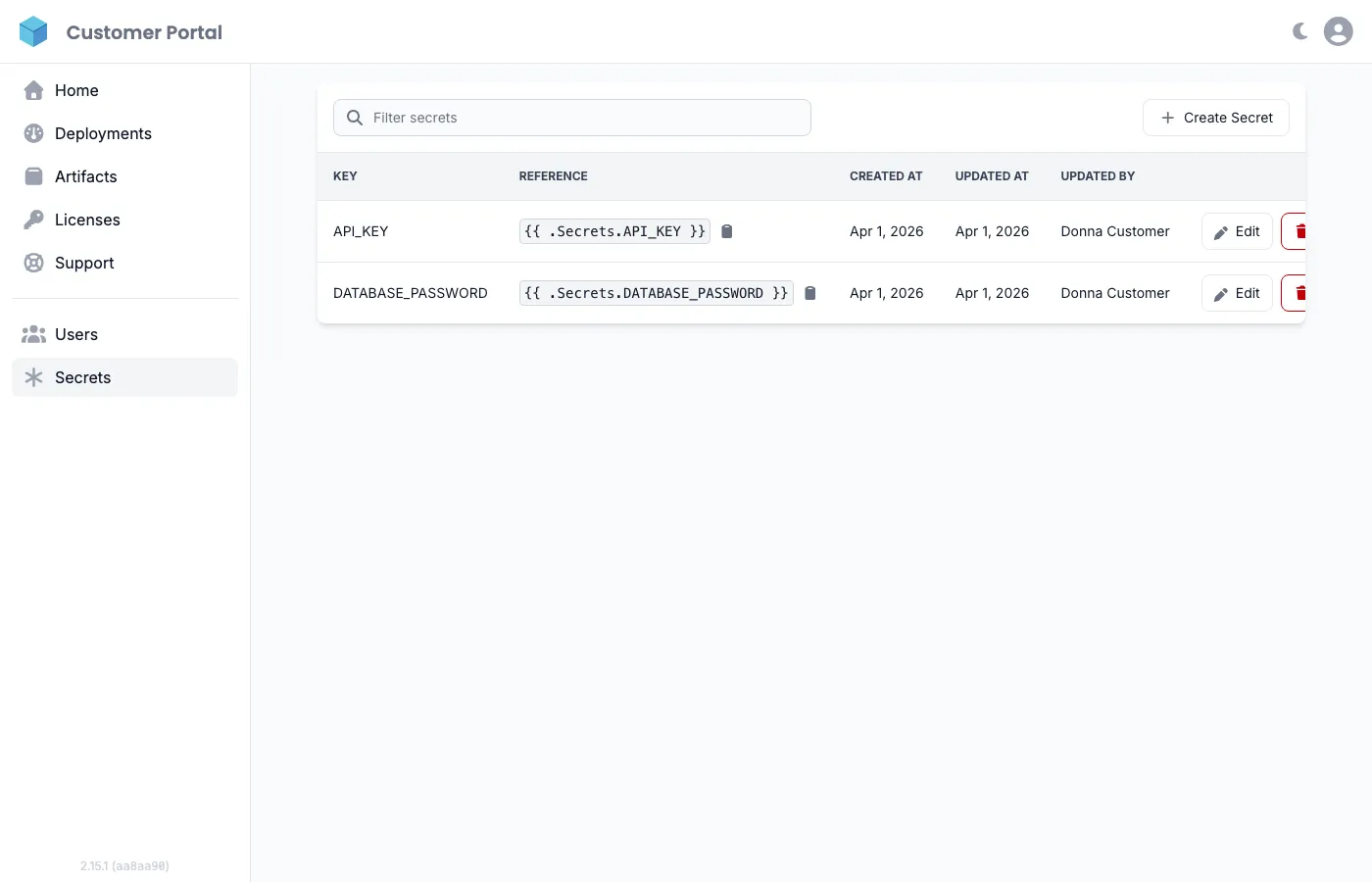
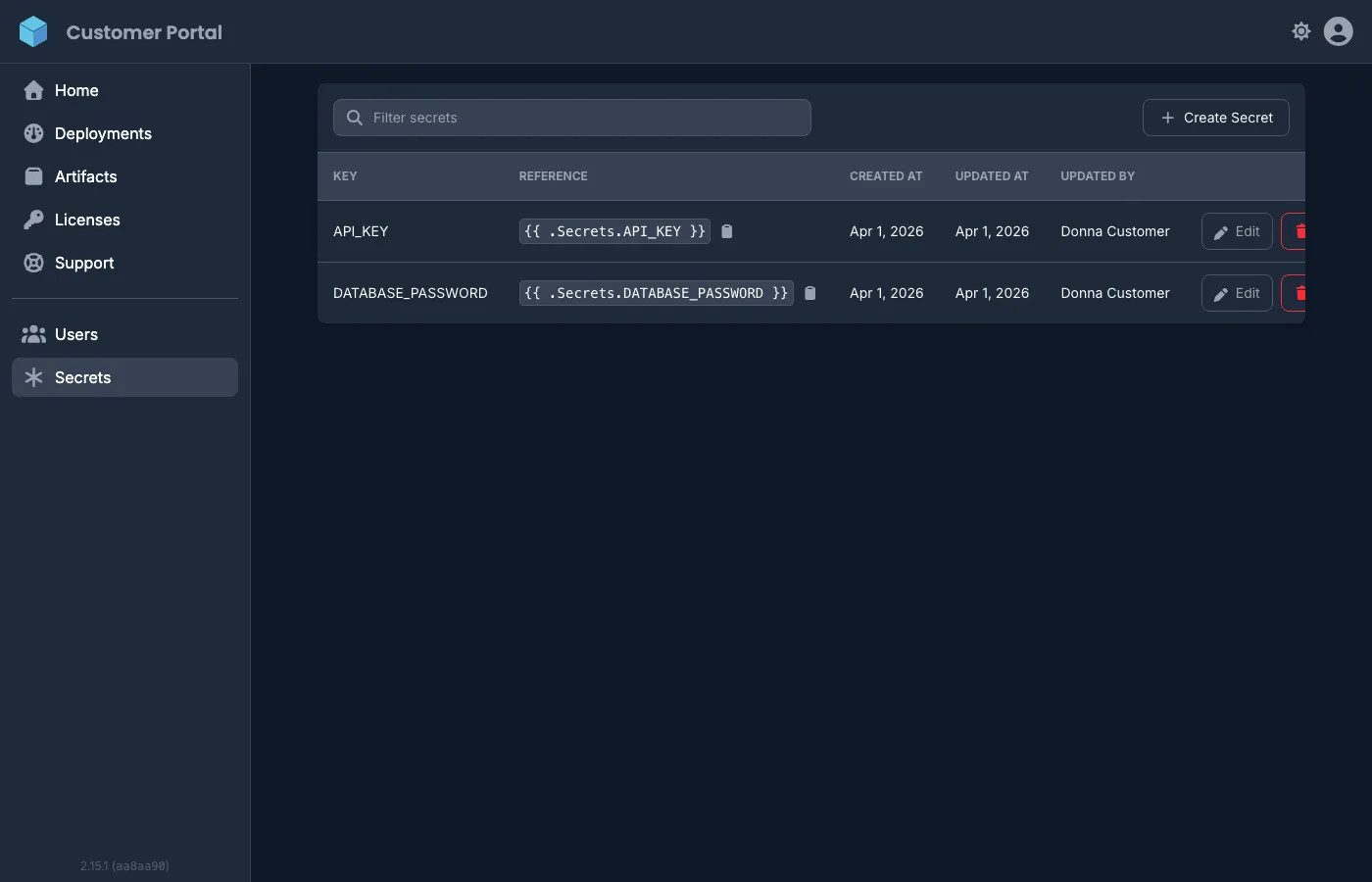
Section titled “Managing secrets”Navigate to Secrets in the sidebar to view and manage your organization’s secrets. The page shows each secret’s key, template reference, creation date, and who last updated it.
Creating a secret
Section titled “Creating a secret”- Click Create Secret.
- Enter a Key (must start with a letter, can contain letters, numbers, and underscores).
- Enter the Value.
- Click Save.
Updating a secret
Section titled “Updating a secret”- Click Edit next to the secret you want to update.
- Enter the new value (the key cannot be changed).
- Click Save.
If any active deployments reference this secret, you will be shown which deployment targets are affected before saving. Confirming will save the new value and automatically trigger a redeployment on those targets.
Deleting a secret
Section titled “Deleting a secret”Click the Delete button next to a secret and confirm. Make sure no active deployments reference the secret before deleting it.
Using secrets in deployments
Section titled “Using secrets in deployments”Reference secrets in your deployment configuration using template syntax:
DATABASE_URL=postgresql://user:{{ .Secrets.DATABASE_PASSWORD }}@host:5432/dbAPI_KEY={{ .Secrets.API_KEY }}The template reference for each secret is shown in the Reference column on the secrets page. Copy it directly into your deployment environment variables.
For the full template syntax reference and advanced usage, see Secrets Management.