
Customer Portal
The Customer Portal is a simplified, white-labeled UI built for end customers. Vendors control which sections each customer can access through Customer Management.
Portal sections
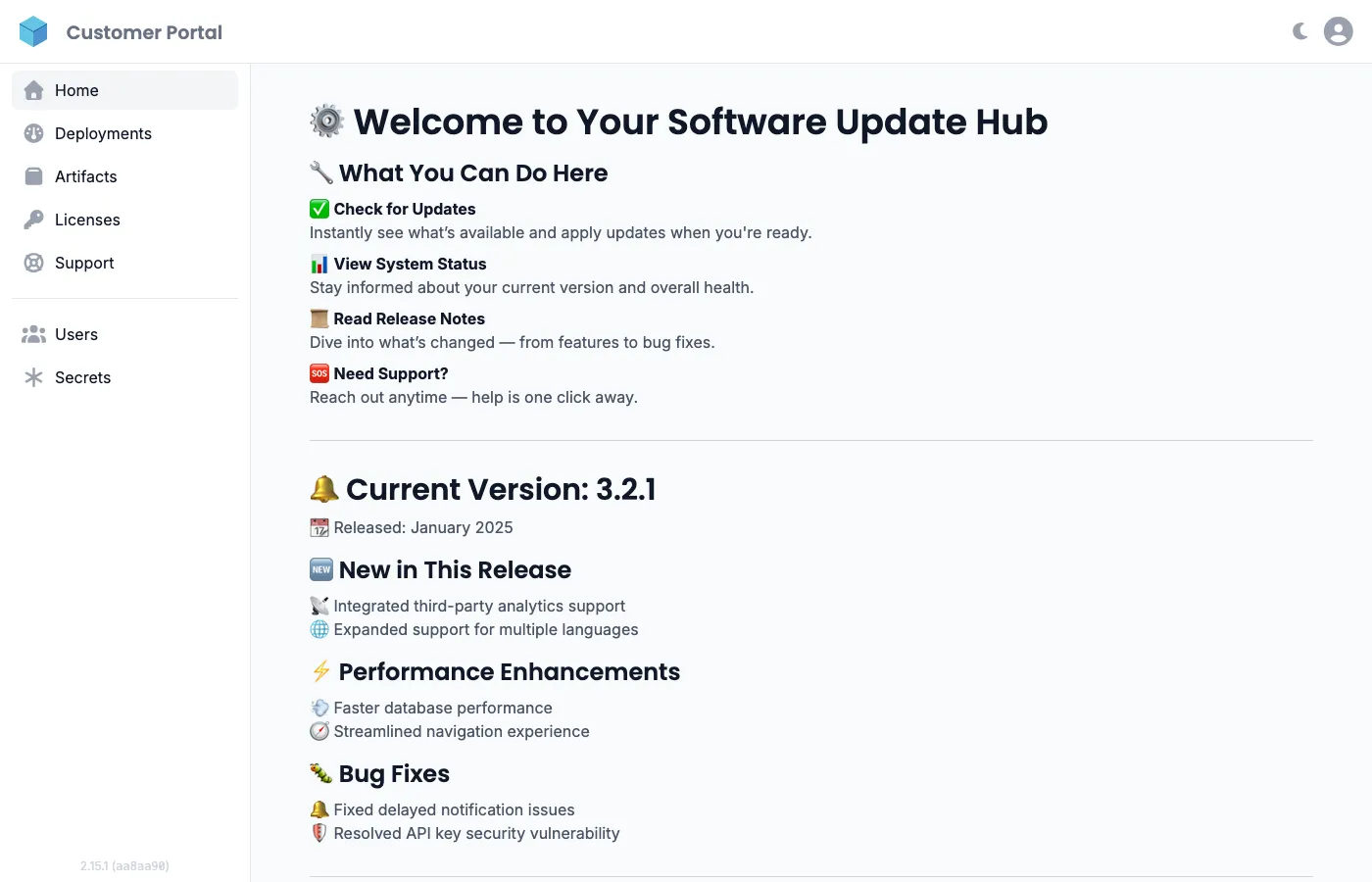
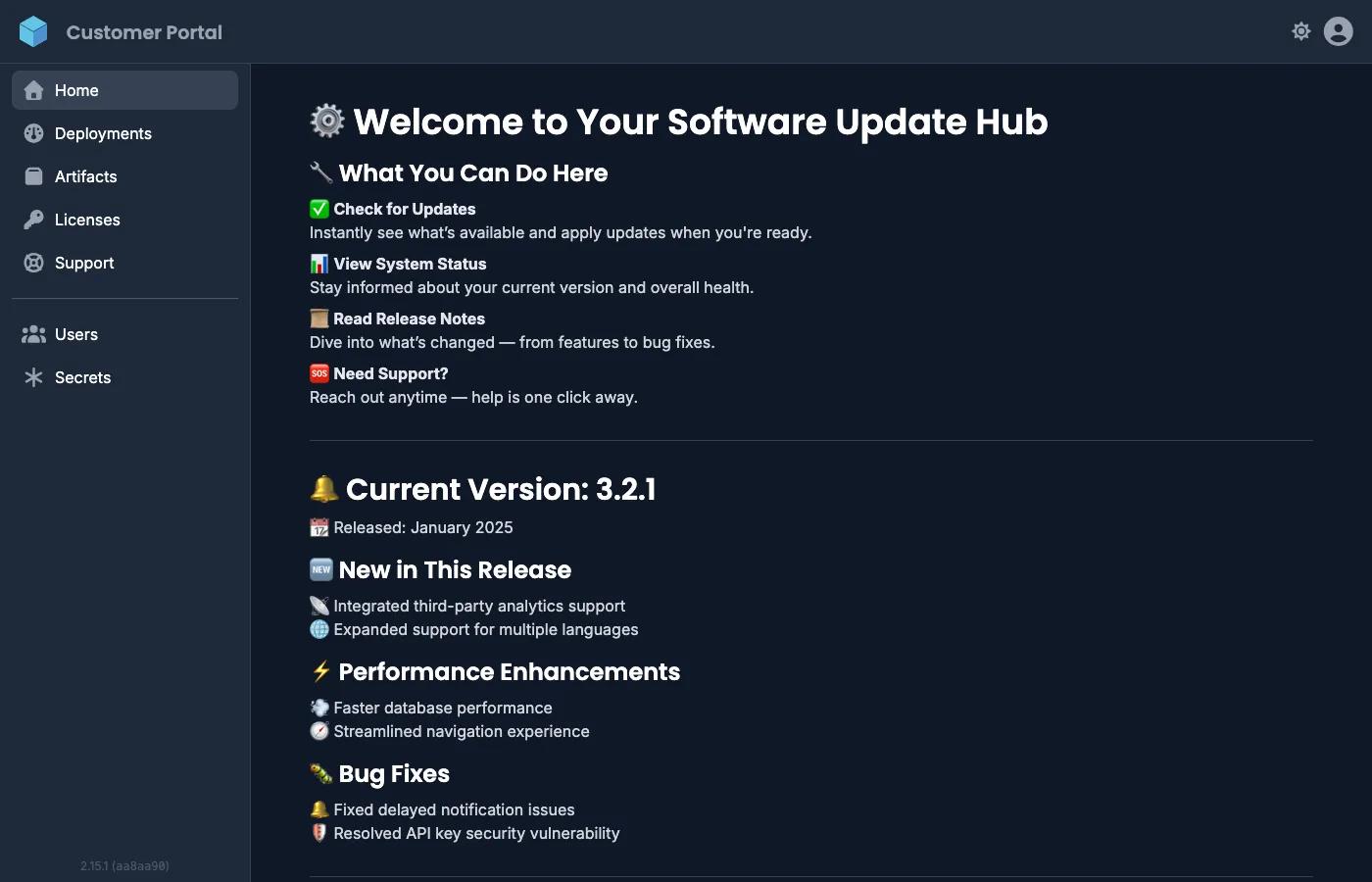
Section titled “Portal sections”The sidebar shows the sections that are enabled for your organization. A fully configured portal includes:
| Section | Description | Visibility |
|---|---|---|
| Home | Vendor-provided documentation, release notes, and instructions | Always visible |
| Deployments | Deploy and manage agents and applications | On by default |
| Artifacts | Browse and pull software artifacts from the registry | On by default |
| Licenses | View license keys and tokens issued by your vendor | Requires Pro (or higher) |
| Support | Create and manage support bundles for troubleshooting | Off by default |
| Alerts | Configure deployment health and resource usage notifications | Off by default |
| Users | Manage users in your organization (admin only) | Always visible |
| Secrets | Store and manage deployment secrets | On by default |
| Access Tokens | Generate Personal Access Tokens for registry authentication | Always visible |
Deployments and Artifacts are enabled by default for new customers. Alerts and Support Bundles must be explicitly enabled by the vendor. Disabled sections are hidden entirely from the Customer Portal, so customers only see what has been enabled for them.
In addition to these sections, vendors can configure links per customer, for example to documentation or a support page. They are shown at the bottom of the sidebar and open in a new tab.
Vendors manage these settings under Customers in the Vendor Portal. See Enabling and disabling features per customer for details.
Access Tokens
Section titled “Access Tokens”In the top-right user menu, navigate to Settings > Access Tokens to generate Personal Access Tokens (PATs). PATs are required for authenticating with the artifact registry.