
Deployment Controllers
Deployment controllers run inside customer environments alongside vendor applications. They connect Distr to deployment targets and manage the full deployment lifecycle while requiring minimal access to customer infrastructure.
Distr provides two deployment controllers:
- Docker Controller: manages Docker Compose deployments on any Linux host. Handles updates, environment variables, container health, and supports Docker Swarm mode.
- Kubernetes Controller: manages Helm chart deployments in Kubernetes clusters. Supports cluster- and namespace-scoped permissions, value overrides, and migration of existing releases.
BYOC does not need a third controller type. You ship the infrastructure as an ordinary Compose application, and the Docker controller deploys it onto a management VM in the customer’s cloud account.
Controller Section in the Vendor Portal
Section titled “Controller Section in the Vendor Portal”The Controllers section of the Vendor Portal has two parts.
Applications
Section titled “Applications”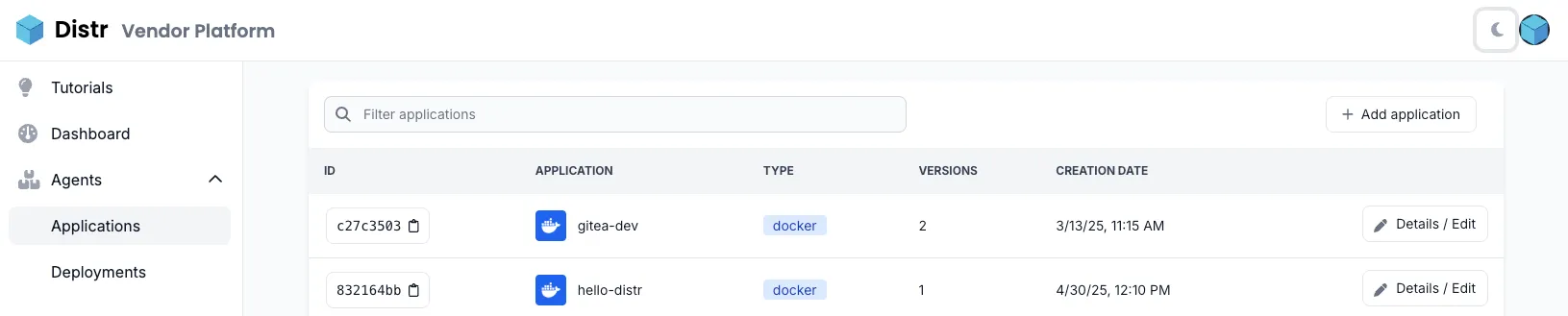
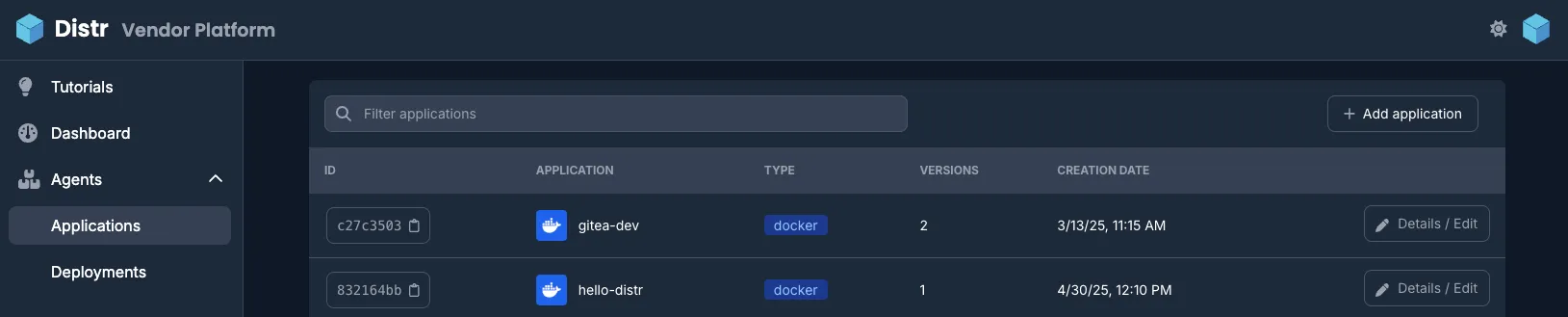
The Applications section is where you define your software offerings: Docker Compose files or Helm charts, environment variable templates, and application versions. This is the foundation for all deployments.
- Create an Application: set up Docker and Helm applications
- Create a Deployment: deploy applications to customer environments
Deployments
Section titled “Deployments”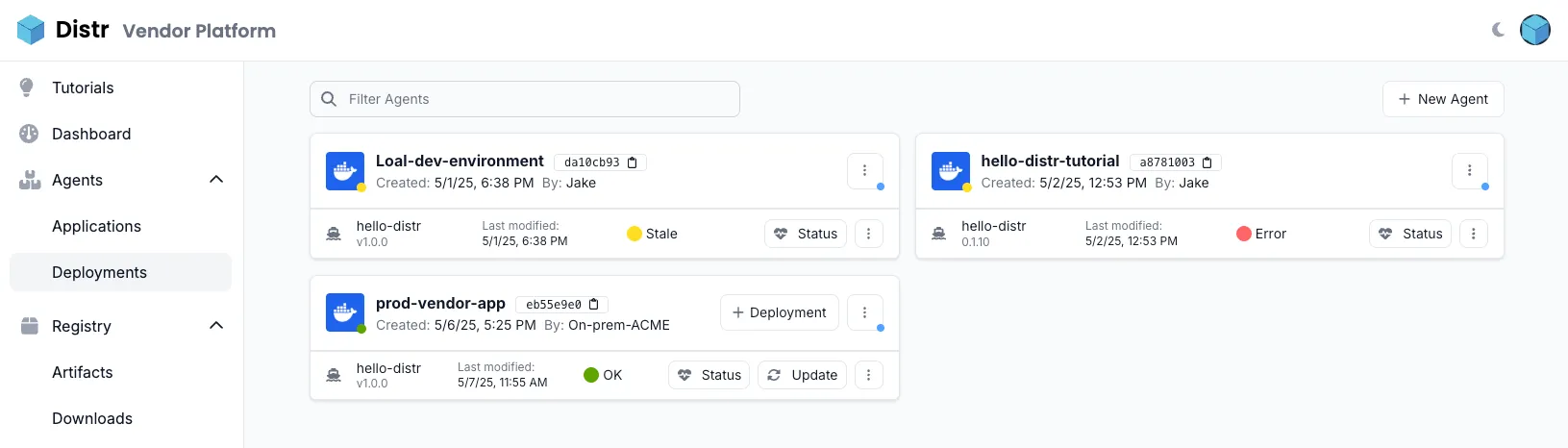
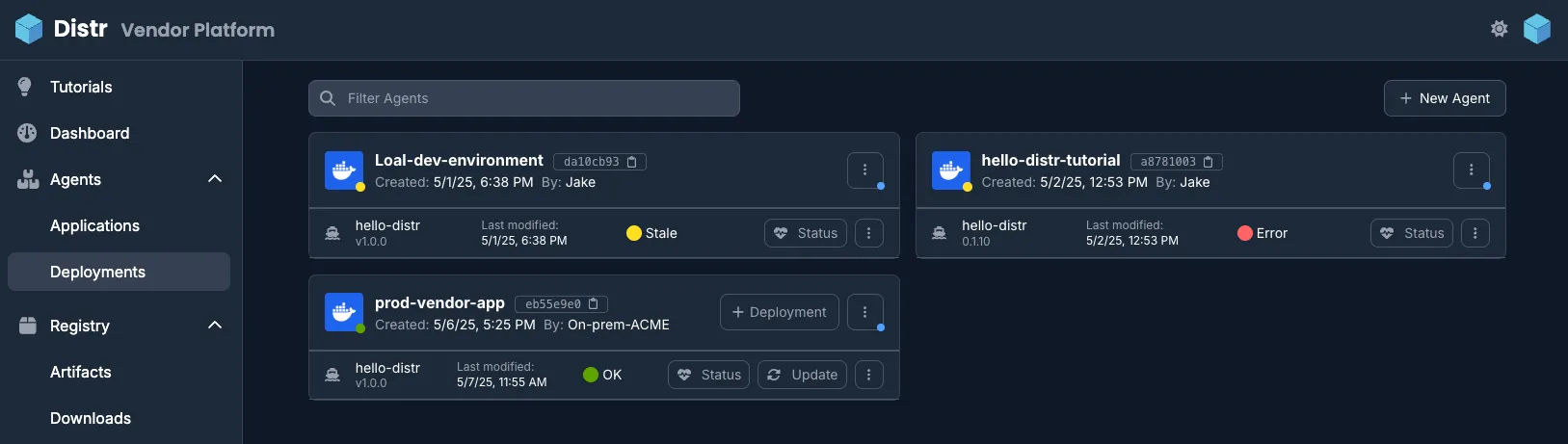
The Deployments section is the central health and management dashboard for all deployment targets. Use it to monitor real-time deployment status, view logs, and track state across all customer environments.
For status indicators, log collection, and metrics, see Logs & Metrics.
Deployment Target Menu
Section titled “Deployment Target Menu”Each deployment target card has a ⋮ (vertical ellipsis) menu in its top-right corner:
- Edit: rename the target or change its configuration
- Update Controller: apply a pending controller version update (only shown when an update is available). See Controller Updates for details.
- Notes: add internal notes visible to your team
- Controller Logs: open the controller log viewer. See Logs & Metrics for details.
- Reconnect: generate a new connection command (only shown when the controller has connected at least once). See Reconnect for details.
- Delete: remove the deployment target
Controller Updates
Section titled “Controller Updates”Every deployment target runs a specific controller version, and each Distr instance ships the controller version that matches it. When a target is on an older version, the Update Controller action assigns it the version of that instance. The controller notices the change the next time it polls Distr and updates itself. Updating a controller does not restart the deployed application.
Controllers can also update themselves without any interaction. When automatic controller updates are enabled for a target, Distr assigns it the current controller version on every start, so upgrading Distr updates those controllers along with it. The option can be set per target when creating a deployment, in the target settings, and in the Update Controller dialog. It is enabled by default for new deployment targets and disabled for targets that existed before the option was introduced.