
Customer Portal Deployments
As an end customer, you can deploy and manage applications with Distr agents directly from the Customer Portal.
This guide walks you through the deployment agent quickstart from the customer portal.
Deployment Agent quickstart from the customer portal
Section titled “Deployment Agent quickstart from the customer portal”Step 1: Select Application
Section titled “Step 1: Select Application”Navigate to Deployments in the sidebar and click on the + New Deployment button.
Choose the application you want to deploy.
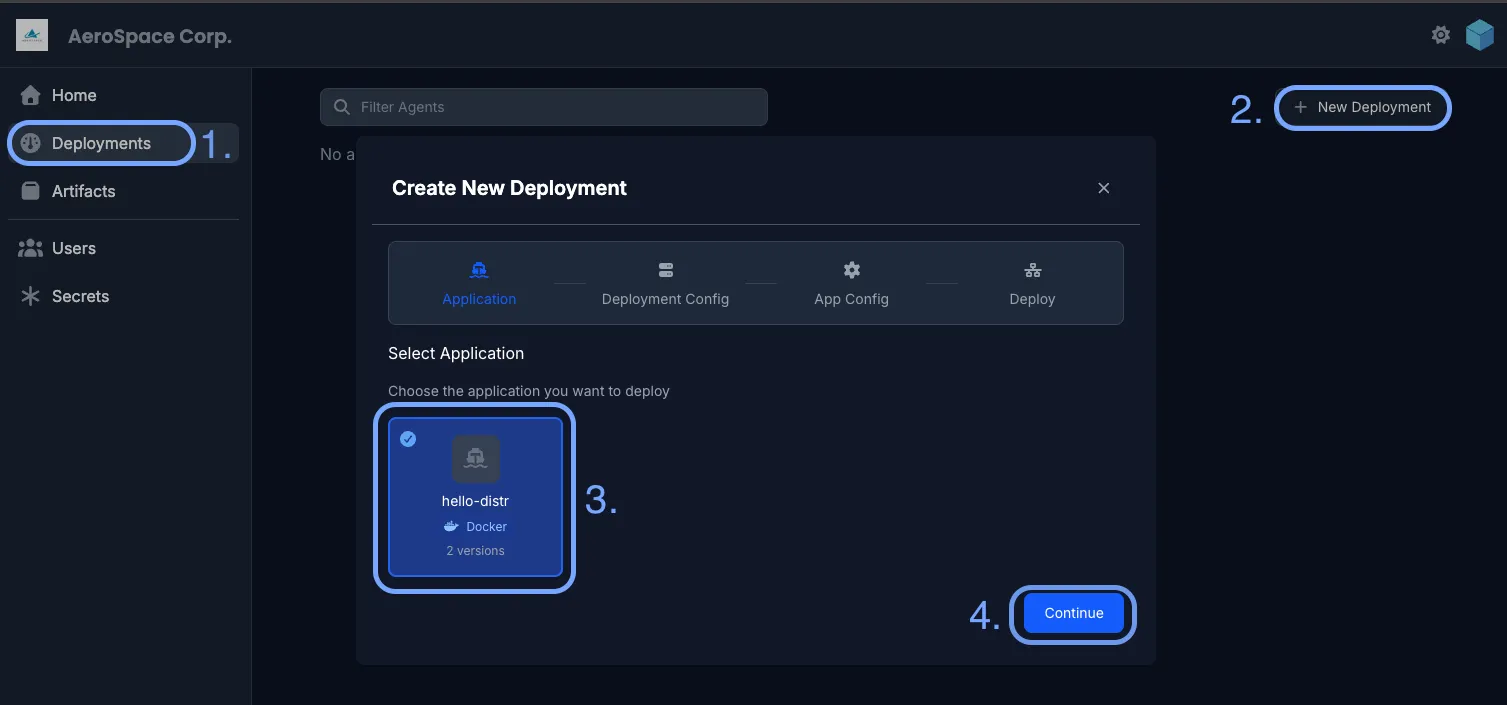
Step 2: Deployment Configuration
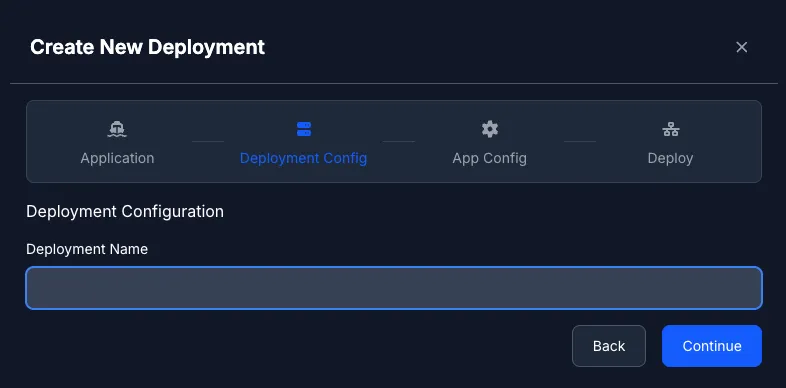
Section titled “Step 2: Deployment Configuration”Give your deployment a descriptive name. This name will help you identify and manage the deployment later.
For Helm applications, you’ll also need to specify the Kubernetes namespace where it should be deployed. Make sure the namespace exists in your cluster before proceeding.
Step 3: Application Configuration
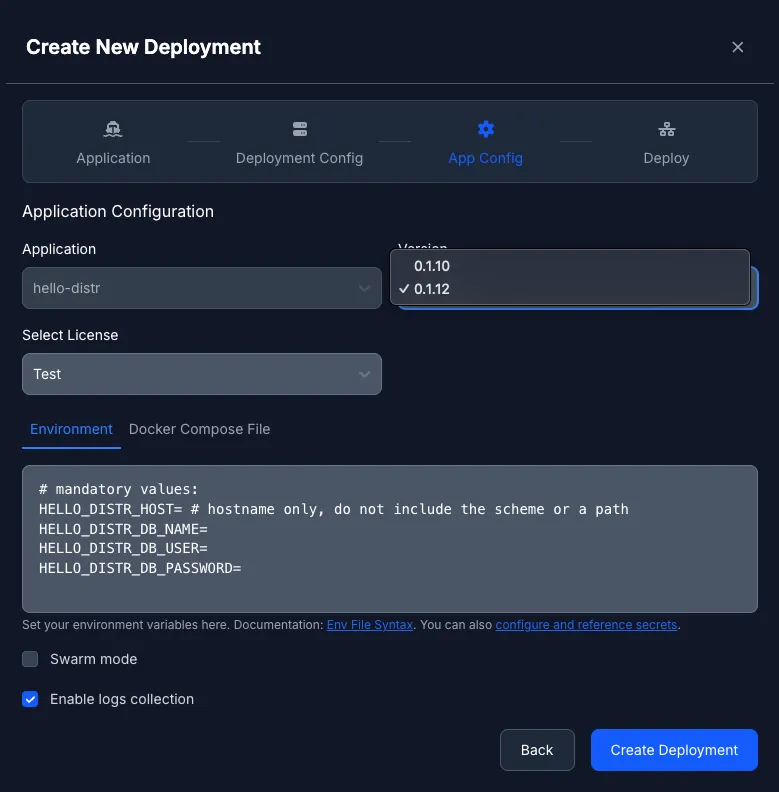
Section titled “Step 3: Application Configuration”Configure the environment variables for your Docker Compose application. These variables will be passed to the docker compose process via the --env-file argument.
The entered environment variables will be passed unmodified to the docker compose process via the --env-file argument.
For more information on how to use them, please refer to our guide on working with environment variables.
You can also enable Docker Swarm mode for deployments that should run in swarm mode. See Docker Swarm for more details. Additionally, you can enable container log collection to view application logs directly in the portal. Learn more about Container Logs.
Step 4: Deploy
Section titled “Step 4: Deploy”Review your configuration and click Create Deployment to proceed to the deployment page.
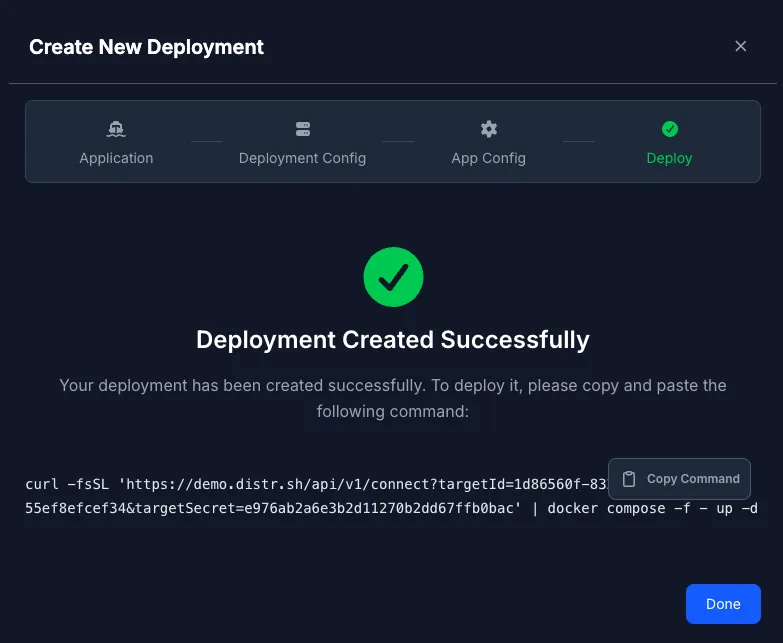
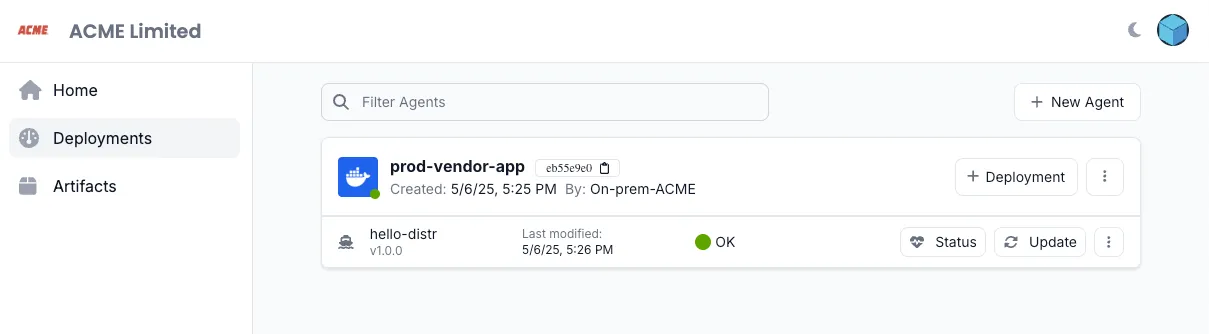
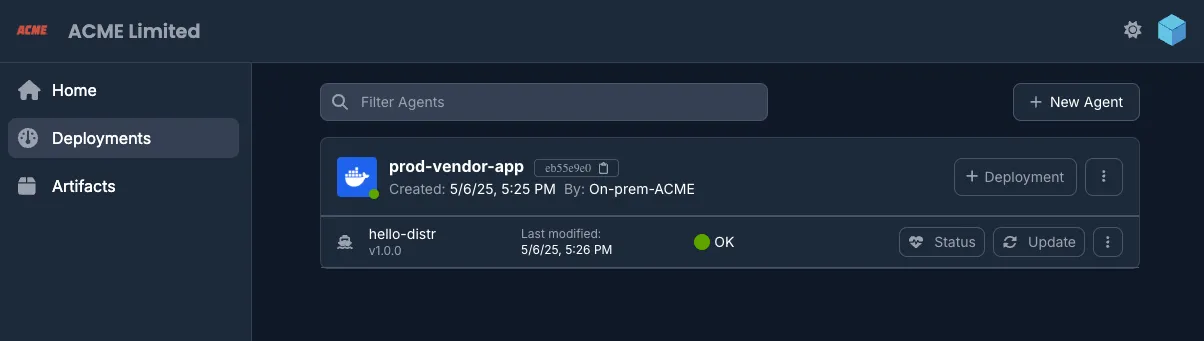
5. Monitor Deployment Status
Section titled “5. Monitor Deployment Status”View real-time updates as your deployment initializes.
6. Access Environment Logs
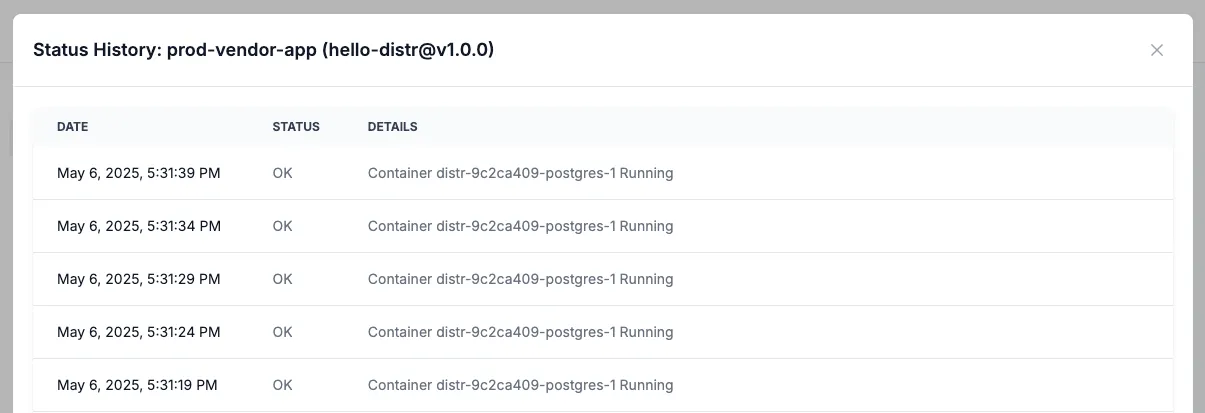
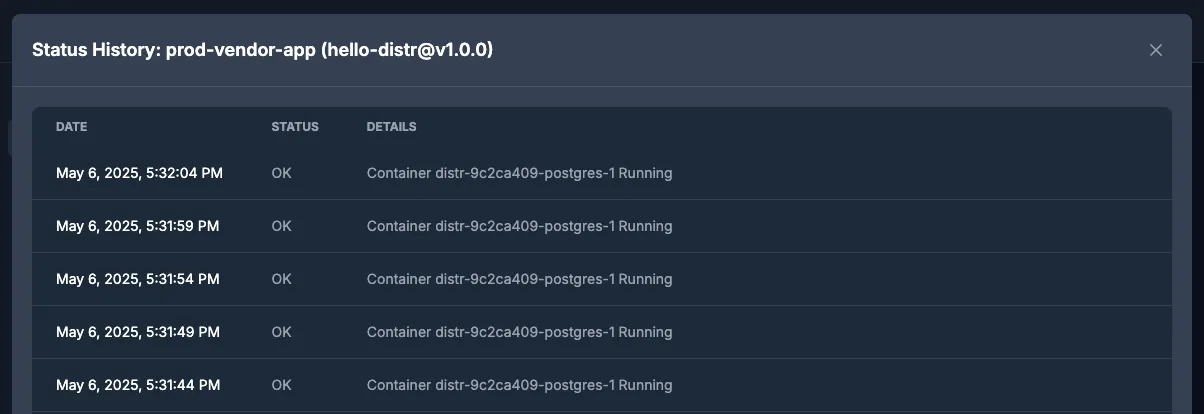
Section titled “6. Access Environment Logs”Click on the status button to view application logs directly from the portal.
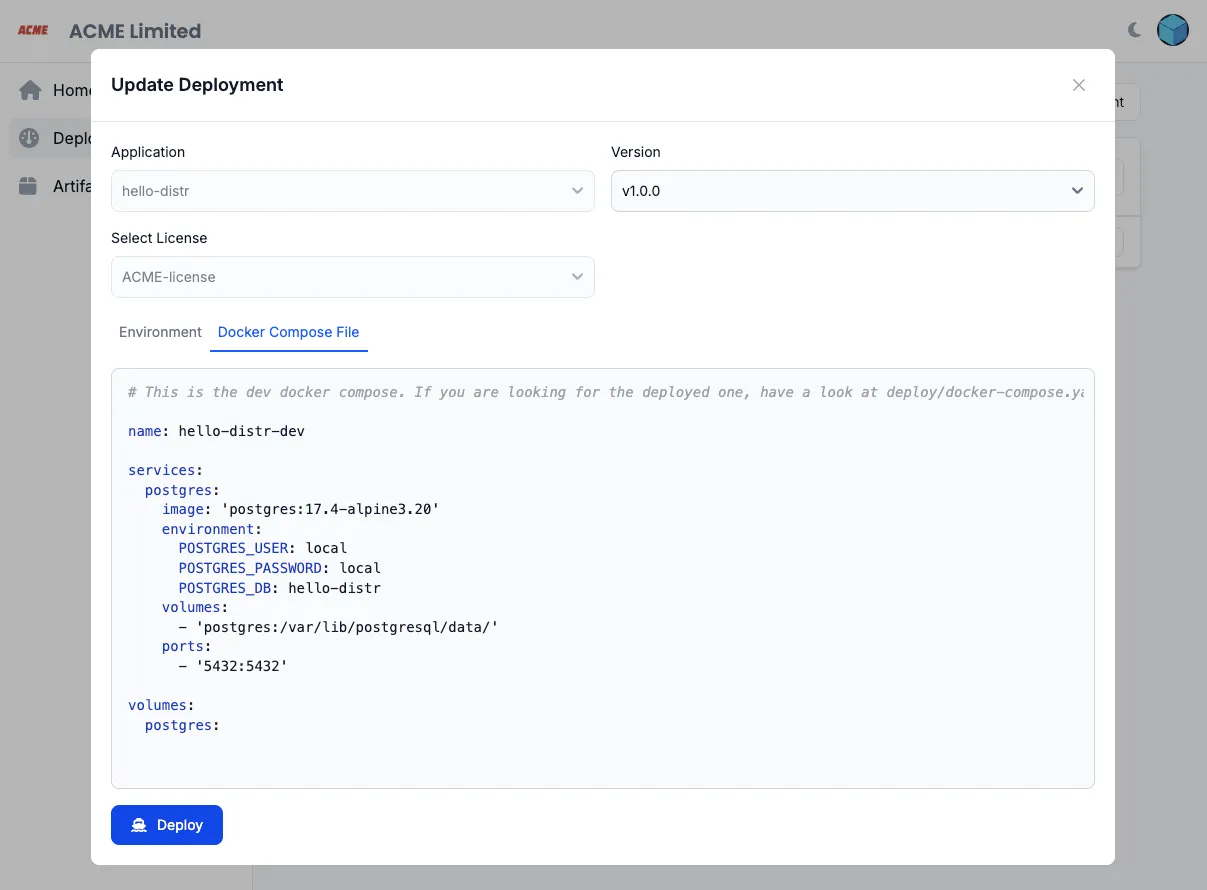
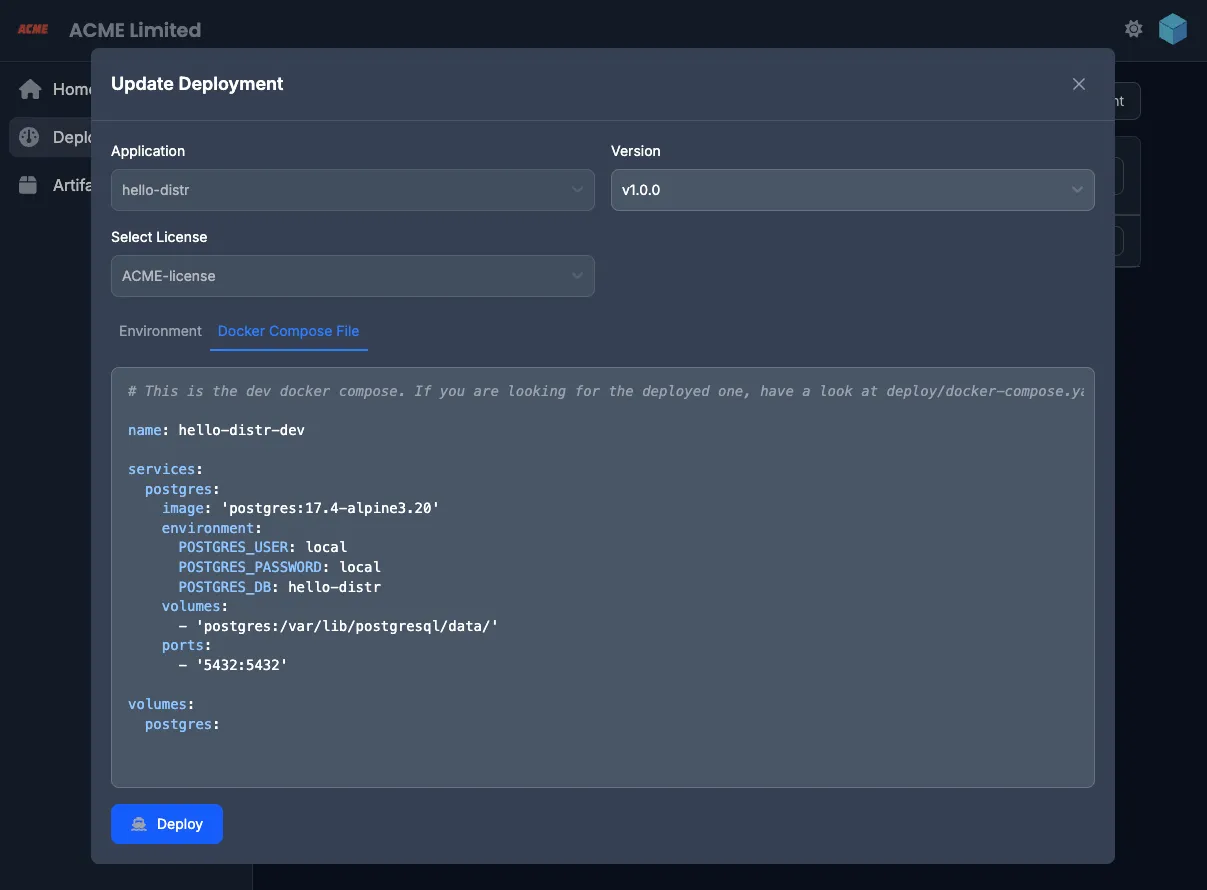
7. Update Deployments
Section titled “7. Update Deployments”Modify configuration values and update running deployments as needed.
Important Notes
Section titled “Important Notes”- A single agent can manage multiple deployments in the same target environment
- To remove a deployment, first undeploy it before deletion