
Customer Portal Registry
As an end customer, you will be given access to a Customer Portal by the software vendor. The portal provides access to the artifact registry for downloading software distributed by your vendor.
This guide walks you through using the registry from the customer portal.
Registry quickstart from the customer portal
Section titled “Registry quickstart from the customer portal”A typical onboarding journey looks like this:
1. Access the Customer Portal Dashboard
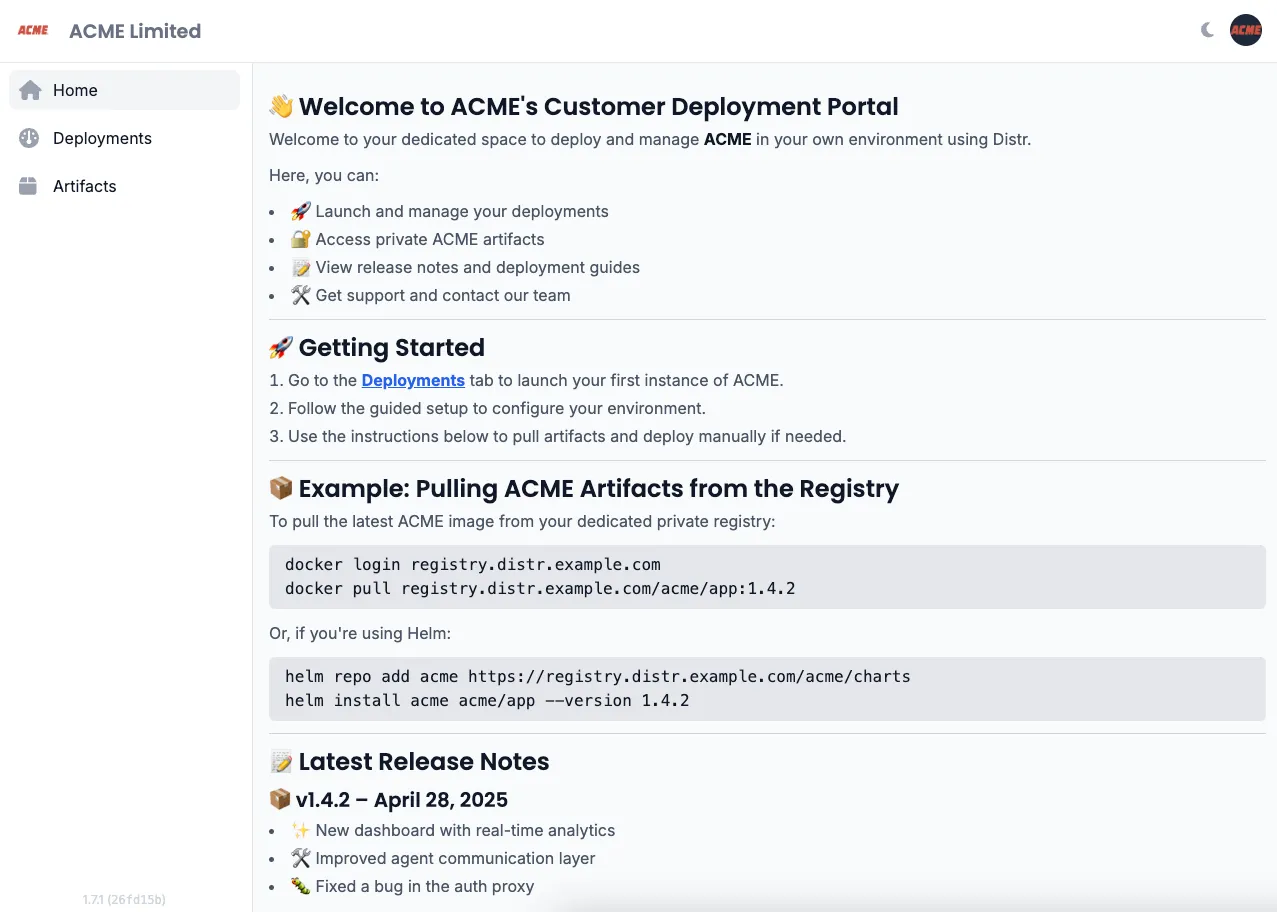
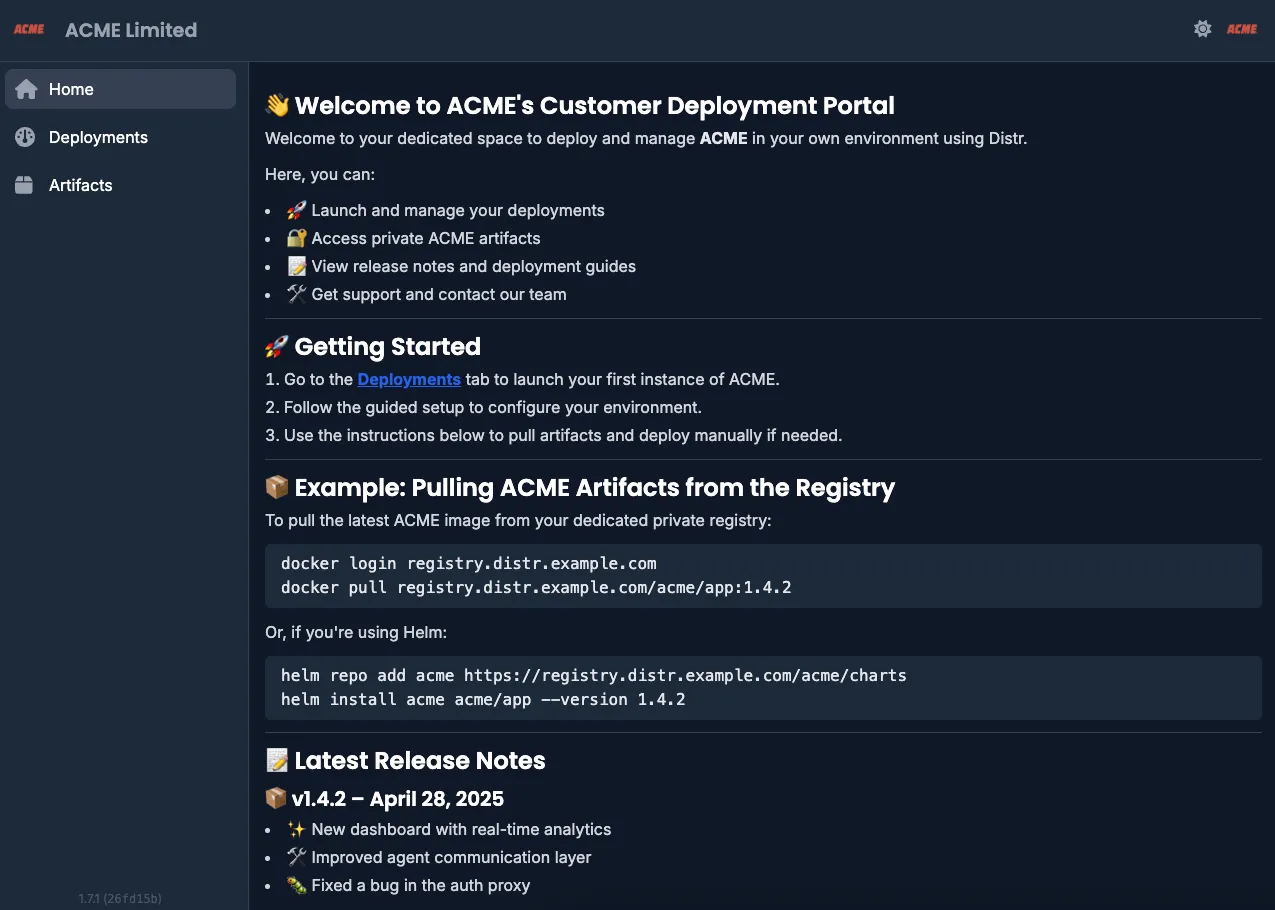
Section titled “1. Access the Customer Portal Dashboard”Here you will view release notes and vendor-specific software information in your dashboard.
2. View Available Artifacts
Section titled “2. View Available Artifacts”Browse the artifacts your vendor has made available to you in the artifacts section:
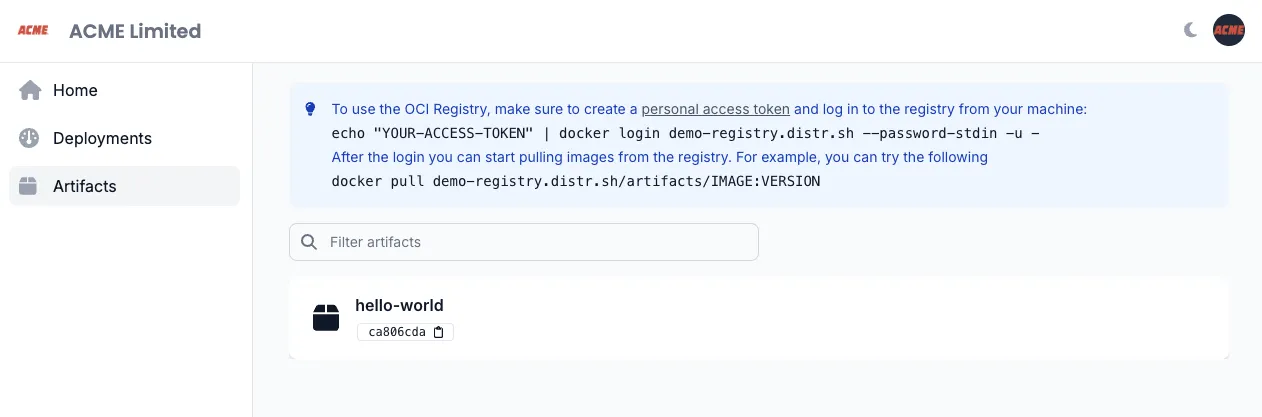
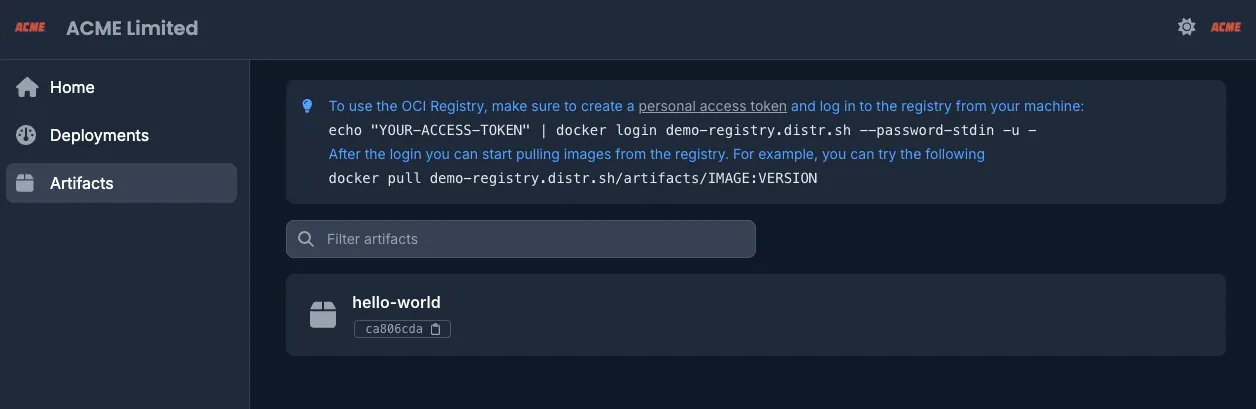
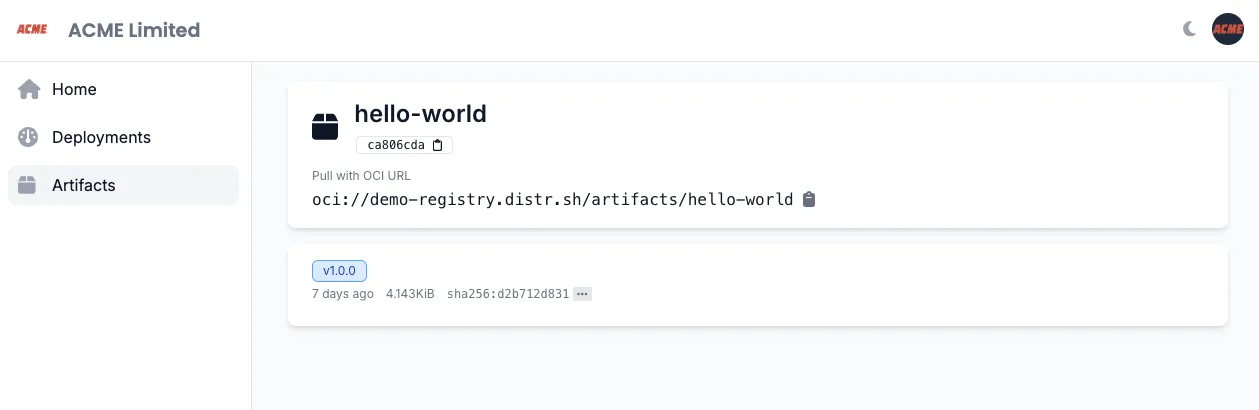
In this example, the vendor made a single artifact called hello-world available to the end-customer.
3. Explore Artifact Details
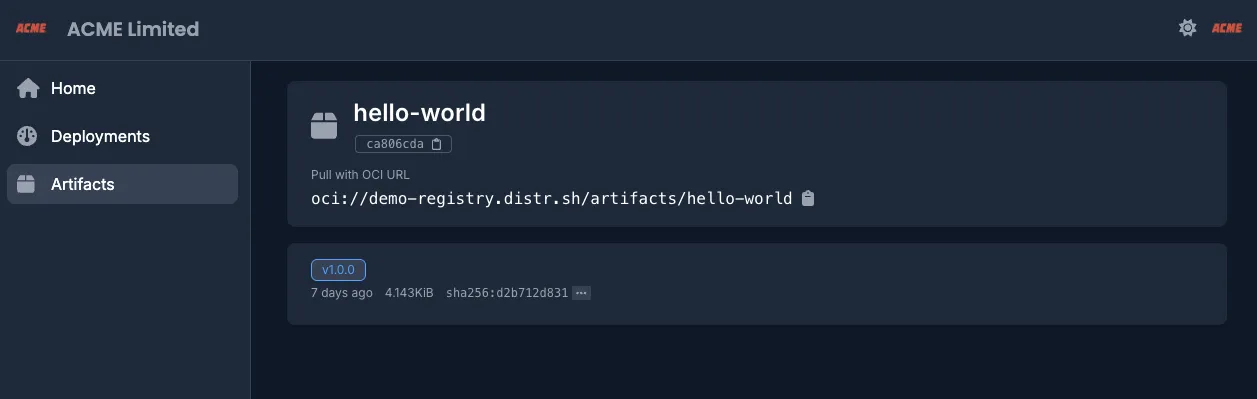
Section titled “3. Explore Artifact Details”Click on the artifact name to see details like available versions, creation date, and a download counter:
4. Authenticate with a Personal Access Token
Section titled “4. Authenticate with a Personal Access Token”Generate a Personal Access Token (PAT) in your Distr account and use it to log in:
echo "YOUR-ACCESS-TOKEN" | docker login registry.distr.sh:8585 --password-stdin -u -5. Pull Vendor Artifacts
Section titled “5. Pull Vendor Artifacts”Once authenticated, you can pull the artifacts using Docker, ORAS or Helm for example:
docker pull registry.distr.sh/slug/hello-world:1.0.0oras pull registry.distr.sh/slug/vendor-artifact:1.0.0helm pull registry.distr.sh/slug/vendor-helm-chart:1.0.06. Deploy the Artifacts
Section titled “6. Deploy the Artifacts”Refer to the deployment instructions in your Customer Portal dashboard or coordinate directly with your vendor for specific deployment guidance.