
Alerts
Alerts notify selected users by email when a monitored deployment becomes unhealthy. This covers scenarios like failed updates, lost agent connectivity, container crashes, or status transitions to Stale or Error.
Vendor Alerts and Customer Alerts
Section titled “Vendor Alerts and Customer Alerts”By default, alerts are vendor-managed: you configure alert rules and choose who gets notified.
Under Customers in the Vendor Portal, you can enable alert management per customer organization (see Customer Management). This supports two scenarios:
Vendor-managed deployments — You monitor deployments and receive alerts directly, potentially before the customer notices an issue.
Customer-managed deployments — Customers configure their own alerts and choose who in their organization gets notified.
How to Configure Alerts
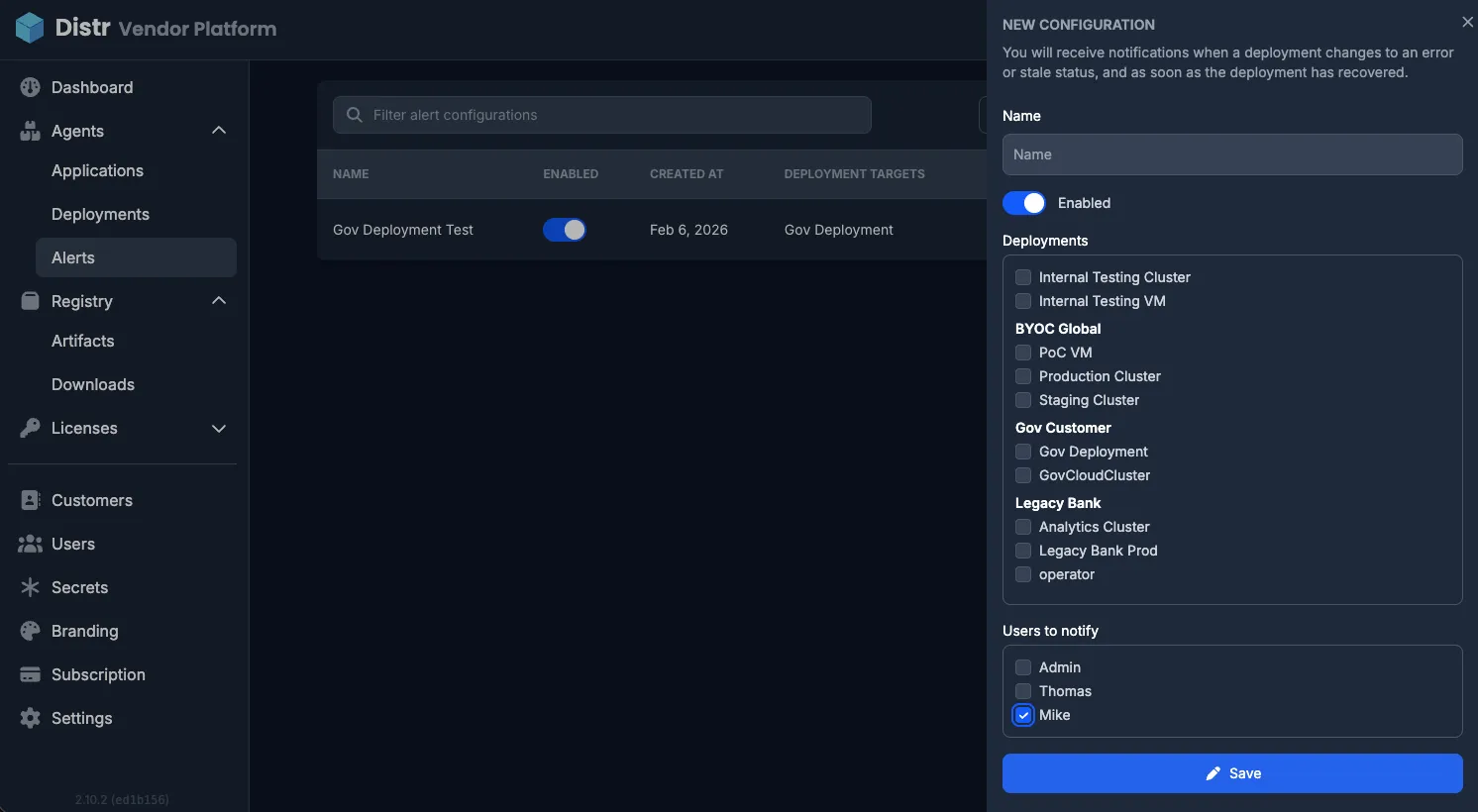
Section titled “How to Configure Alerts”In the sidebar, navigate to Agents > Alerts.
- Click Create alert configuration.
- Enter a name for the configuration.
- Select one or more deployments to monitor.
- Select the users who should receive email notifications.
The Notification history tab shows previously triggered alerts.
When Notifications Are Sent
Section titled “When Notifications Are Sent”An email notification is sent when a monitored deployment transitions from a healthy to a degraded state:
| From | To |
|---|---|
| Running or Healthy | Stale or Error |
A recovery notification is also sent when a deployment returns to a healthy state (Running or Healthy) after being degraded.
For the full list of deployment statuses, see Deployment Health. For details on how Running vs. Healthy is determined, see Healthchecks.