Application Entitlements
This guide walks you through how to use Application Entitlements to control which application versions your end-customers can access and deploy through Distr agents.
With Application Entitlements, you can link an entitlement to a customer, allowing access to specific application versions — whether it’s one, a select few, or all available versions. You can name it, set an expiration date, and assign it to a particular customer, giving you granular control over which applications and versions each end-customer can use.
Entitlement flow diagram
Section titled “Entitlement flow diagram”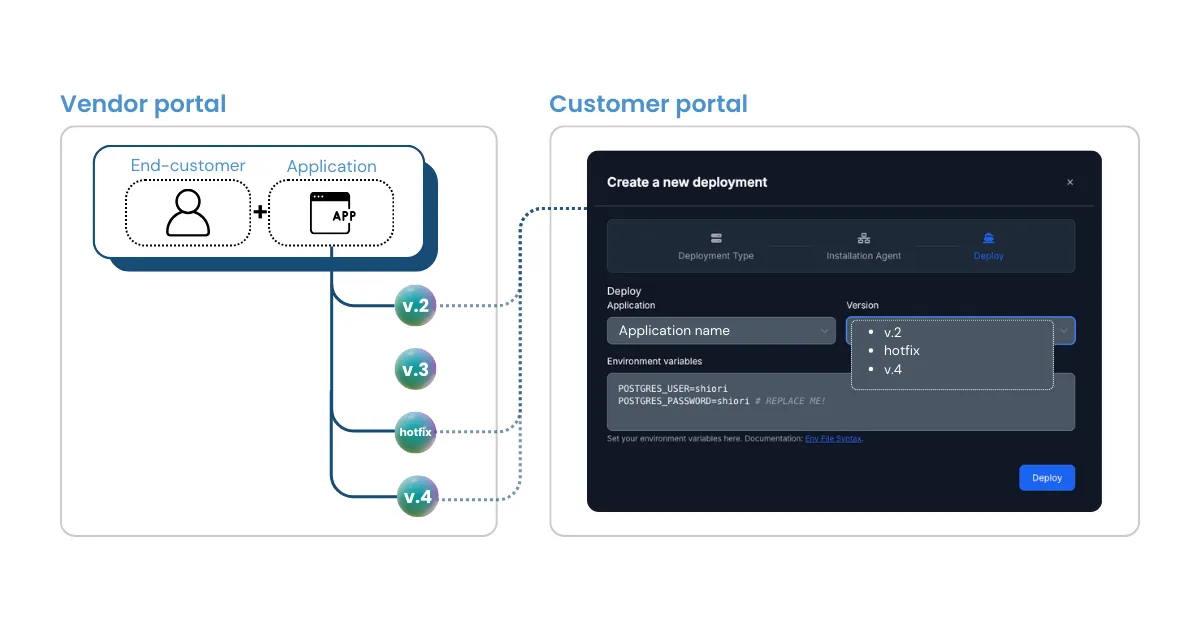
Use case
Section titled “Use case”Many vendors offer tiered pricing plans with different features and functionality. For those serving on-premises environments, granular control over version access is crucial — whether it’s delivering a specific feature set, pointed hotfixes to select customers, or offering early access to new application versions. This level of precision is exactly what Application Entitlements deliver.
Entitlement features
Section titled “Entitlement features”- Each entitlement is linked to a single
customer/applicationpairing. - Each entitlement grants a customer access to one or multiple application versions.
- Once an application version has been granted via an entitlement, it can’t be revoked (version revoking is currently in progress).
- A customer can be associated with multiple entitlements.
- Entitlement edits are reflected in the customer portal in real time.
How to use it
Section titled “How to use it”If you don’t see the feature yet, make sure you’re on a Pro plan or Pro Trial. Once you’re in, here’s how it works:
- Create a customer: If none exist, create a customer first
- Navigate to Licenses in the sidebar
- Click the customer you want to create an entitlement for
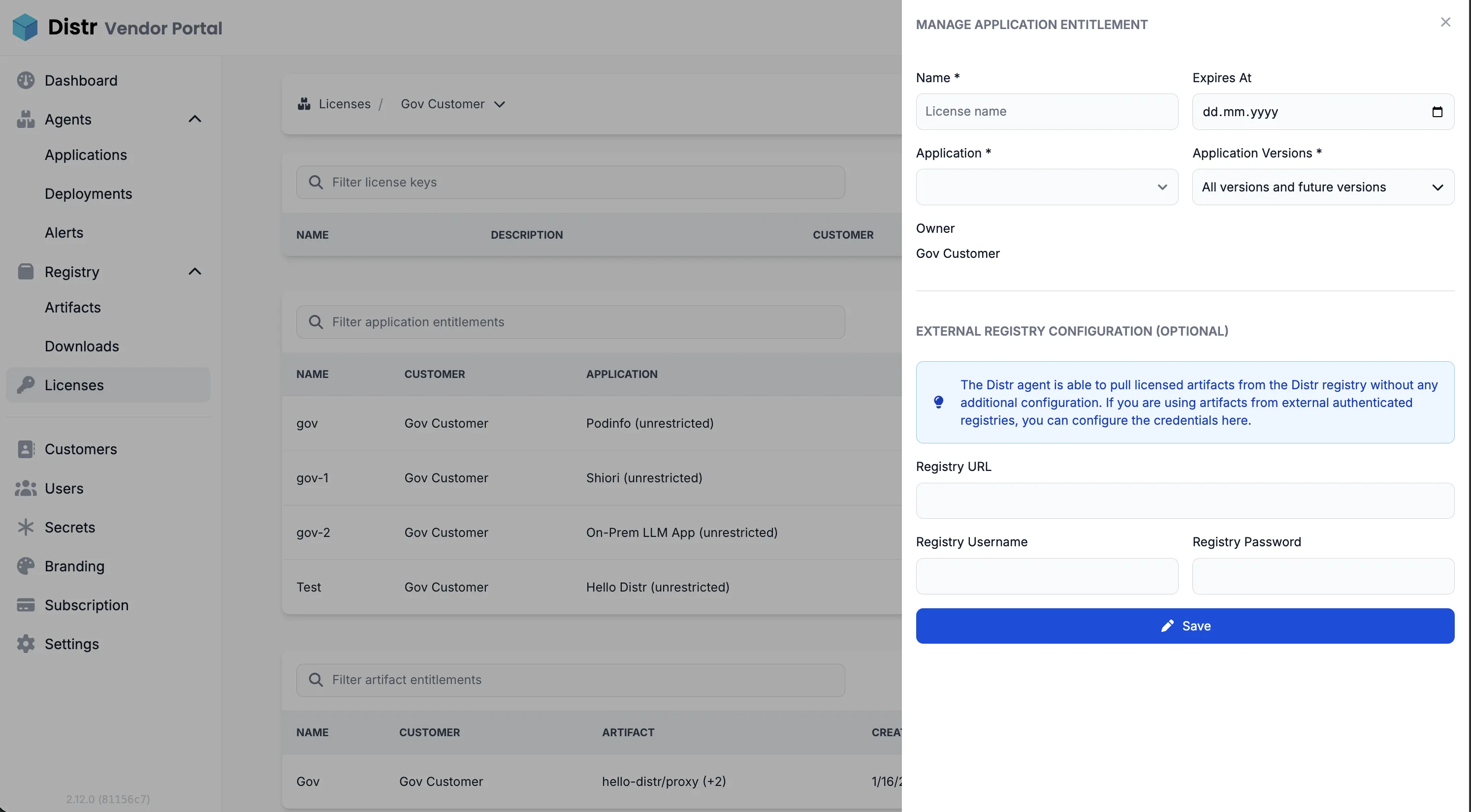
- Select the Application Entitlements tab and click “Create Entitlement”
- Give it a name
- Set an expiration date (optional)
- Assign to an application
- Choose the version/s you want to grant the customer access to
- Save — hit “Save” and you’re done
The customer can now access and deploy the assigned application version/s directly from their customer portal.
OCI registry authentication
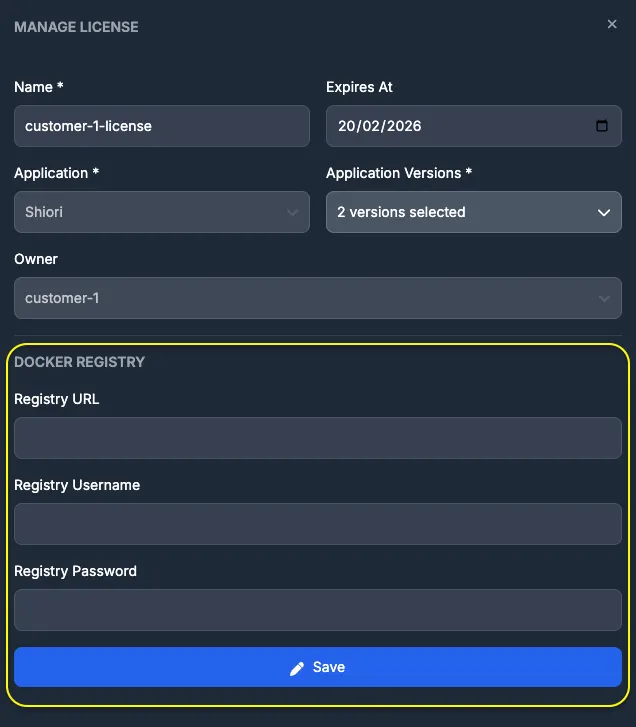
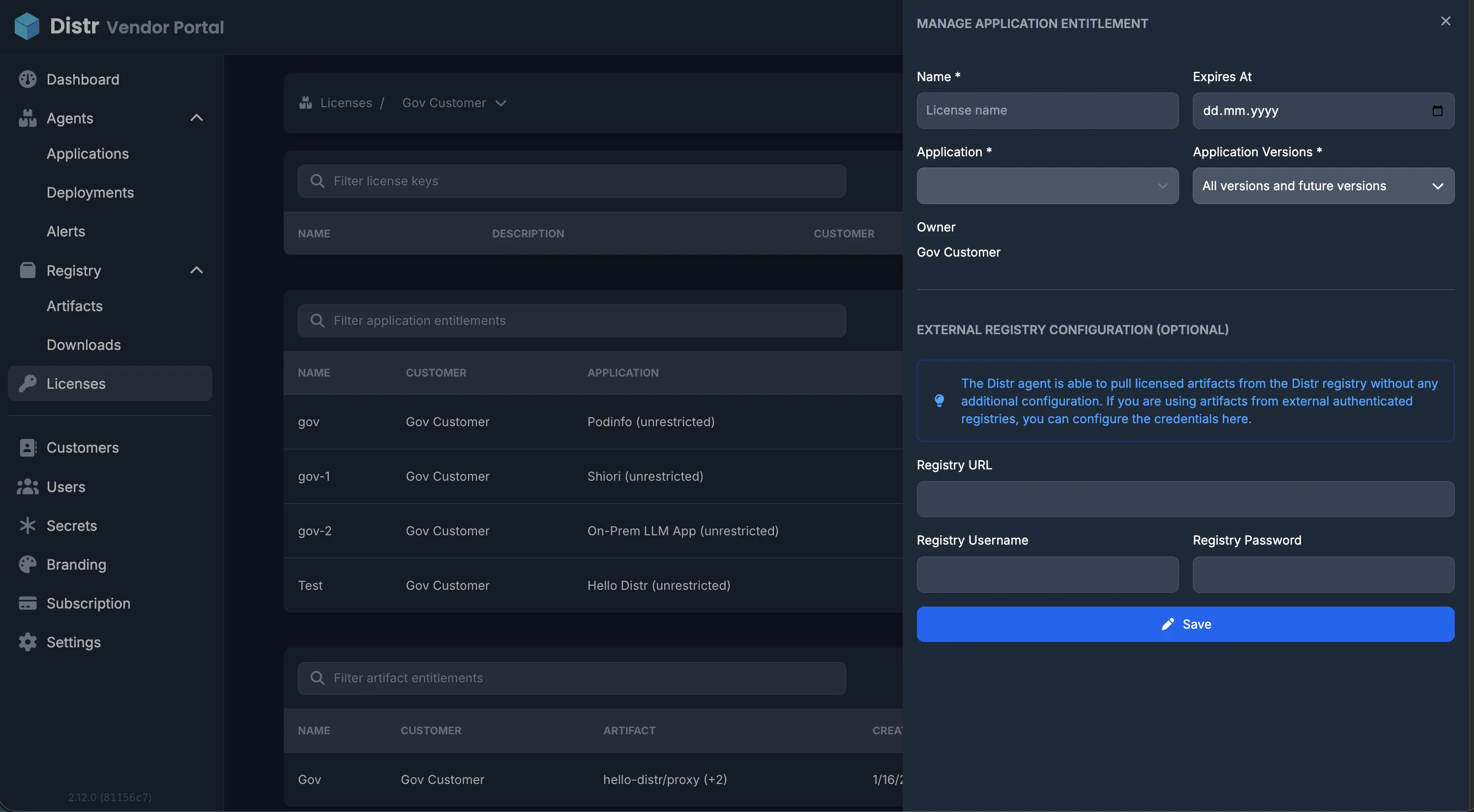
Section titled “OCI registry authentication”If your images are stored in a private OCI registry, you’ll need to provide access credentials. You can configure these credentials in the lower section of the entitlement configuration panel. Once set, the application versions will be available at the deployment target for as long as the entitlement is valid.